
Troubleshooting Siemens OP73: Common Issues and Fixes
Troubleshooting Siemens OP73: Common Issues and Fixes
Expert guide from Vicpas – Your trusted partner for Siemens HMI replacement parts
Table of Contents
- Understanding the Siemens OP73: A Quick Overview
- Common Issues and Fixes for Siemens OP73
- 1. Communication Failure or PLC Connection Issues
- 2. Transfer Mode or Project Download Failure
- 3. Screen Blank or Display Not Working
- 4. Keys Not Responding or Membrane Failure
- 5. OS Update Error or Firmware Problems
- 6. Project Upload Not Possible
- 7. Alarm / Error Screen Stuck
- 8. Panel Dead / No Power or Hardware Failure
- 9. WinCC Flexible Project Error
- 10. Runtime Communication / WinCC Networking Issues
- Conclusion: Keep Your Siemens OP73 Running Longer with Vicpas
- References
As a leading provider of HMI replacement parts with over 20 years of expertise in industrial automation solutions, VICPAS Touch Technology Limited understands the challenges faced by users of legacy systems like the Siemens OP73. This compact operator panel, part of Siemens' Simatic HMI lineup, is widely used in PLC-controlled environments for its reliability in monitoring and controlling industrial processes. However, like any older HMI device, the Siemens OP73 can encounter various issues over time due to wear, configuration errors, or compatibility problems. In this comprehensive guide, we'll explore the most common Siemens OP73 troubleshooting scenarios, drawing from real-world industry experience and forum discussions to help you diagnose and resolve them efficiently.
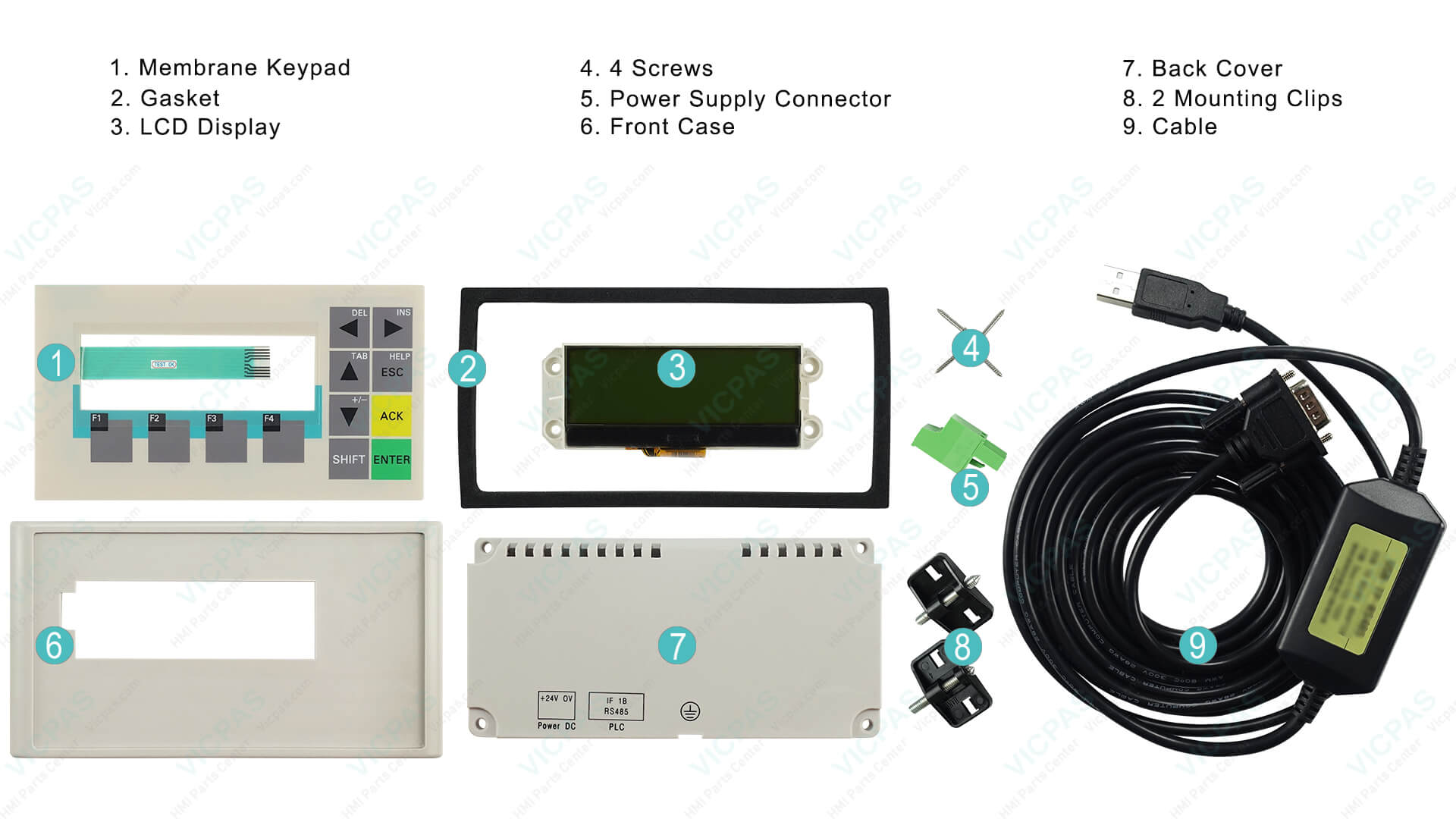
At Vicpas, we specialize in high-quality, cost-effective replacement parts for Siemens OP73, including membrane keypads, keyboards, and other critical components, allowing you to extend the life of your existing panels without expensive full replacements. Our products come with a 12-month warranty, rigorous quality testing, and are engineered for perfect compatibility with original Siemens specifications. If you're facing hardware-related failures, visit our dedicated Siemens OP73 parts search page to find quick replacements such as the popular 6AV6640-0BA11-0AX0 Membrane Keypad or 6AV6651-1AA01-0AA0 variants.
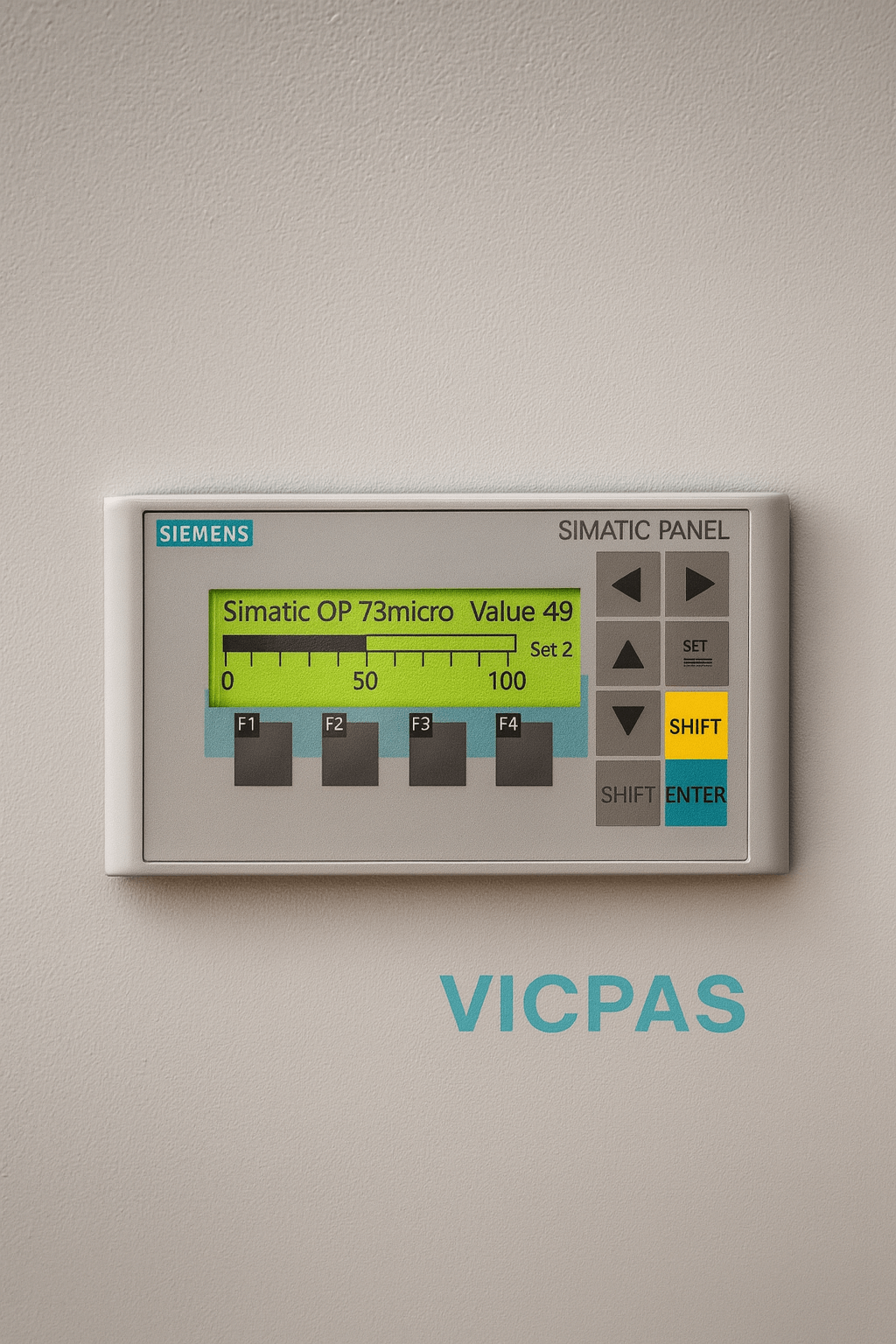
Understanding the Siemens OP73: A Quick Overview
The Siemens OP73 is a text-based operator panel featuring a 4.5-inch STN monochrome LCD display, 8 function keys (F1–F8), cursor keys, and dedicated keys for alarms, help, and acknowledgments. It supports MPI, PROFIBUS DP, and sometimes PPI communication protocols. Projects are developed using Siemens WinCC Flexible software (typically versions 2004–2008). This panel is commonly found in packaging machines, conveyor systems, small production lines, and process control applications where a simple, robust interface is sufficient.
As these panels approach or exceed 15–20 years of service, component aging, dust ingress, membrane wear, and firmware compatibility issues become common. Vicpas has assisted thousands of maintenance engineers and plant operators worldwide in keeping their Siemens OP73 systems operational through prompt parts supply and technical guidance.
Common Issues and Fixes for Siemens OP73
Below are the ten most frequently reported Siemens OP73 problems, compiled from Siemens support forums, PLCtalk.net threads, Reddit PLC discussions, and our own customer support cases. Each section includes clear descriptions, step-by-step troubleshooting, and practical solutions.
1. Communication Failure or PLC Connection Issues
Description: The panel displays "No Connection," "Connection Lost," or shows no tag updates despite correct wiring. This is one of the top Siemens OP73 issues and is frequently caused by cable problems, incorrect station addresses, baud rate mismatch, or electrical noise.
- Physically inspect MPI/PROFIBUS cables for breaks, loose connectors, or corrosion.
- Confirm communication parameters in WinCC Flexible match the PLC settings (station address, baud rate: usually 187.5 kbit/s or 1.5 Mbit/s).
- Power cycle both the Siemens OP73 and the connected PLC/S7 controller.
- Use the panel’s built-in diagnostic menu (press SETUP → Diagnostics) to check connection status.
- Swap cables or test with a known-good PROFIBUS tester if available.
- Ensure no terminating resistors are missing or duplicated on the bus.
If the issue persists after software checks, the communication interface hardware may be failing—Vicpas stocks tested replacement front modules and connection boards. Browse compatible parts here.
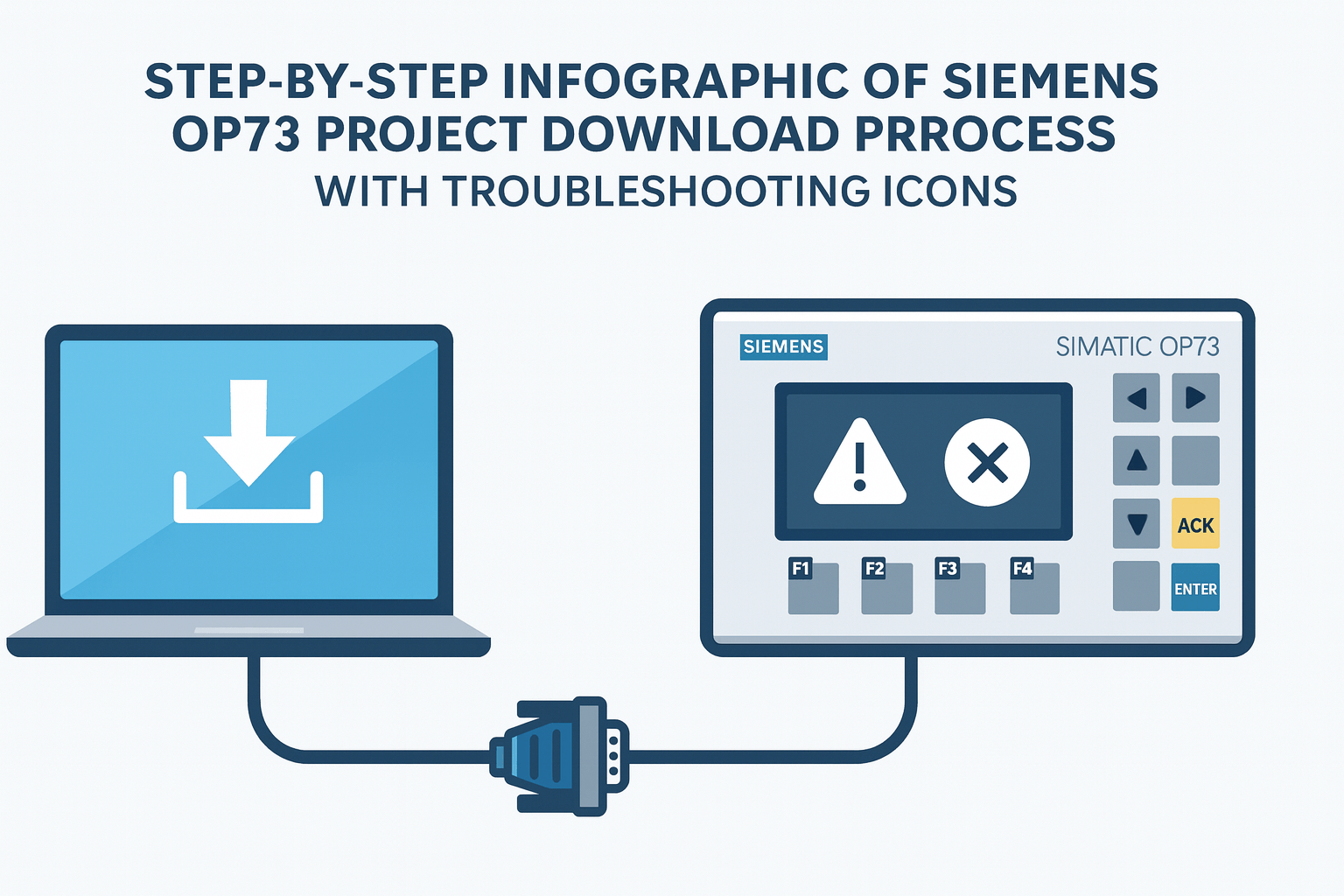
2. Transfer Mode or Project Download Failure
Description: The panel gets stuck in "Transfer" mode, shows "Transfer Aborted," or fails to accept new projects from WinCC Flexible.
- Verify you are using a compatible WinCC Flexible version (2008 SP3 recommended for OP73).
- Use a proper null-modem RS232 cable or USB-to-serial adapter with correct drivers.
- In the panel control menu, delete old project data before downloading.
- Boot into transfer mode manually: hold the ACK + ESC keys during power-on.
- Reduce project size or remove large trend/graphics if memory errors appear.
- Check COM port settings (baud rate 115200, no parity, 8 data bits, 1 stop bit).
Persistent download failures often indicate worn flash memory or interface wear—Vicpas replacement keypads and internal boards can resolve many of these cases.
3. Screen Blank or Display Not Working
Description: The display remains completely black, flickers, shows only backlight, or displays garbled characters.
- Measure 24 V DC input voltage at the terminals (acceptable range: 20.4–28.8 V).
- Check for loose power connections or blown internal fuse.
- If backlight is on but no image, the display controller or ribbon cable may be faulty.
- Reload operating system using ProSave tool from Siemens (requires correct firmware file).
- Perform a full hardware reset by shorting specific test points (consult service manual).
Vicpas offers complete front overlay + display assemblies as drop-in replacements, helping you avoid costly panel swaps. See details on our company profile.
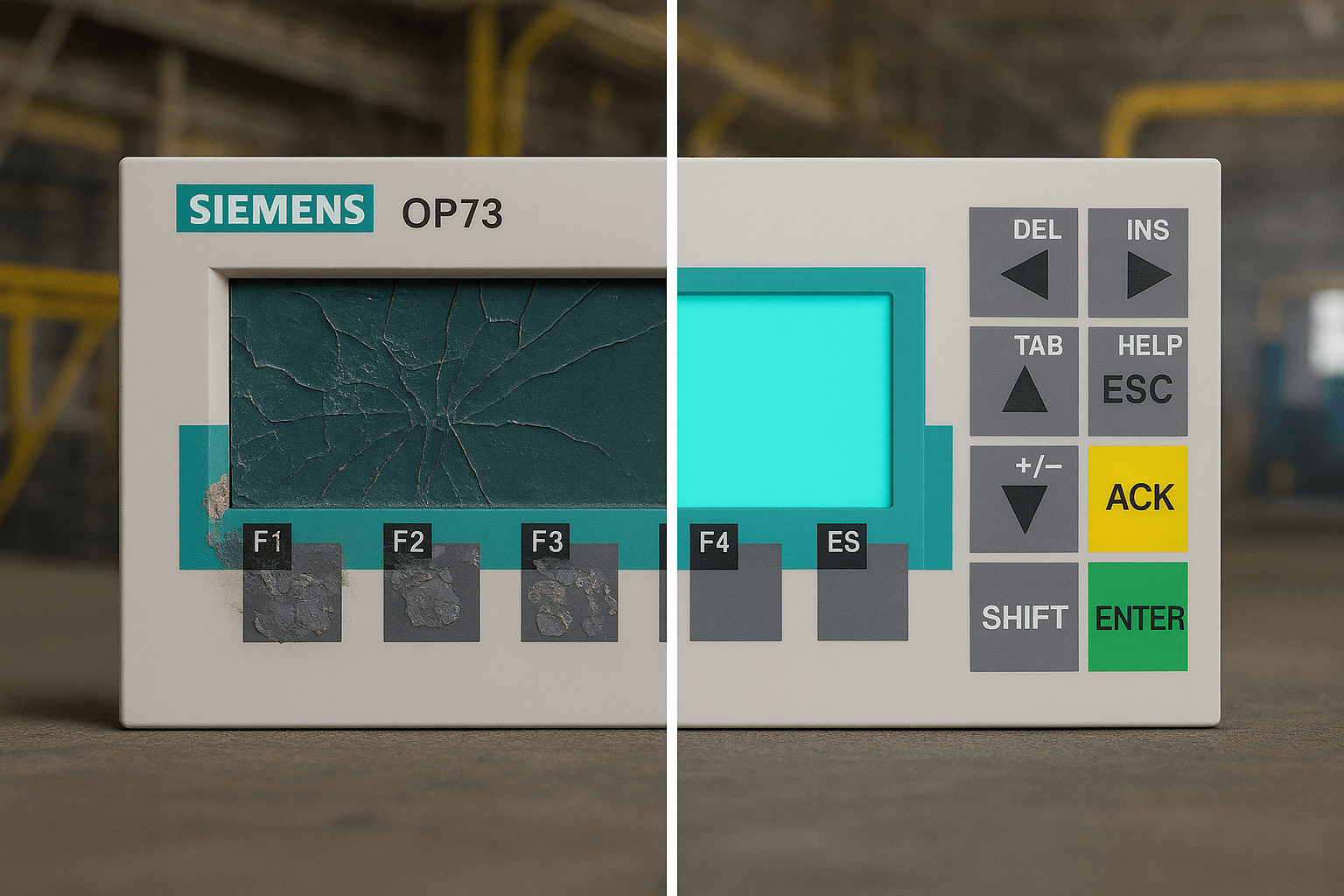
4. Keys Not Responding or Membrane Failure
Description: Function keys, cursor keys, or numeric entry do not register presses; common after years of heavy use or exposure to oils/chemicals.
- Clean the membrane surface with 99% isopropyl alcohol and lint-free cloth (never abrasive materials).
- Enter calibration mode via SETUP menu and recalibrate (though OP73 is key-based, not touch).
- If keys remain dead, the membrane circuit is likely degraded.
- Replace the entire membrane keypad – this is the most effective and economical fix.
Vicpas manufactures and stocks direct-replacement Siemens OP73 membrane keypads (e.g., 6AV6640-0BA11-0AX0 equivalent) with identical layout, legend durability, and tactile feel. Low MOQ and same-day shipping available for urgent plant downtime.
5. OS Update Error or Firmware Problems
Description: Firmware update via ProSave fails with errors, panel bootloops, or shows incompatible OS version after partial update.
- Download the correct OP73 firmware package directly from Siemens Industry Online Support.
- Use ProSave in "Update OS" mode and follow exact sequence (do not interrupt power).
- Backup current project before any update attempt.
- If stuck, force recovery: power on while holding specific key combinations (refer to Siemens manual).
- Ensure WinCC Flexible project matches the target firmware version.
Vicpas technical support can guide you on compatible firmware + hardware combinations for long-term stability.
6. Project Upload Not Possible
Description: Cannot upload existing project from panel back to PC for editing or backup.
- In WinCC Flexible project properties, ensure "Upload" is enabled.
- Disable any memory protection/password on the panel.
- Use a stable, short cable and close other software using the COM port.
- Try alternative upload via Simatic Manager if using older S7 integration.
7. Alarm / Error Screen Stuck
Description: Panel freezes on a specific alarm message or error dialog; cannot acknowledge or return to normal view.
- Press ACK key repeatedly or use the dedicated alarm acknowledge button.
- Check PLC program for un-cleared bit or persistent fault condition.
- Power cycle the entire system (panel + PLC).
- Review WinCC alarm configuration for buffer overflow or scripting errors.
8. Panel Dead / No Power or Hardware Failure
Description: Completely no response—no LEDs, no backlight, no startup sound—even with confirmed 24 V supply.
- Test internal power supply board fuses and electrolytic capacitors for bulging/leakage.
- Inspect mainboard for burnt components or cracked solder joints.
- If repair is uneconomical, replace key sub-assemblies (power board, CPU module).
- Vicpas provides full refurbishment service or new a
9. WinCC Flexible Project Error
Description: Compilation fails, runtime errors, tag communication faults, or script execution problems.
- Run project consistency check and cross-reference validation in WinCC.
- Clean/rebuild project; remove unused tags/graphics.
- Update to latest service pack of your WinCC Flexible version.
- Reduce resource-intensive elements (large bitmaps, complex trends).
10. Runtime Communication / WinCC Networking Issues
Description: Intermittent or complete loss of runtime data exchange after initial successful connection.
- Increase communication timeouts and retry counts in connection settings.
- Check for electrical noise (use shielded cables, proper grounding).
- Apply known Siemens patches for PROFIBUS timing bugs.
- Implement redundant communication path if process-critical.
Conclusion: Keep Your Siemens OP73 Running Longer with Vicpas
Dealing with Siemens OP73 issues does not always require purchasing brand-new HMIs. With systematic troubleshooting and access to high-quality replacement components, most panels can be restored to reliable service quickly and affordably.
VICPAS Touch Technology Limited has built its reputation over two decades by delivering dependable HMI parts, fast global shipping, flexible payment terms, and knowledgeable support. Whether you need a single membrane keypad for your Siemens OP73 or a complete stock of spares for your facility, we are here to help minimize downtime and control maintenance costs.
Ready to solve your Siemens OP73 problem today?
Trust Vicpas – your partner for sustainable industrial HMI solutions.
References
- Siemens OP73 Communication Failure / PLC Connection Issues
- Siemens OP73 Transfer Mode / Project Download Failure
- Siemens OP73 Screen Blank / Display Not Working – PLCTalk
- Siemens OP73 Keys Not Responding / Membrane Failure – PLCTalk
- Siemens OP73 OS Update Error / Firmware Problems
- Siemens OP73 Project Upload Not Possible
- Siemens OP73 Alarm / Error Screen Stuck
- Siemens OP73 Panel Dead / Hardware Repair Discussion – PLCTalk
- WinCC Flexible Project Error (Reddit PLC Thread)
- OP73 Runtime Communication / WinCC Networking Issues – Reddit
 Fast Quote
 Fast Quote
 Worldwide Shipping
 12 Months Warranty
 Customize Service
- Phone
- *Title
- *Content
