
Siemens OP177 Troubleshooting Guide
Siemens OP177 Troubleshooting Guide: Comprehensive Fix for Common Issues
VICPAS HMI Parts Expert — 20+ Years Specialized in Siemens OP177 Replacement Parts
Introduction: Why You Need a Reliable Siemens OP177 Troubleshooting Guide
The Siemens SIMATIC OP177 series (OP177A, OP177B) remains a trusted HMI panel in industrial automation, often paired with S7-300/400 PLCs and WinCC Flexible for process monitoring and control. Over time, however, age-related issues like communication drops, unresponsive touchscreens, failed project transfers, and boot problems can cause costly downtime.
At VICPAS[](https://www.vicpas.com/), we've specialized in HMI operator panel parts for over 20 years. We supply high-quality, fully tested replacement components – including touchscreens, keypads/membranes, LCD displays, and plastic housings – all compatible with Siemens OP177 models. With no minimum order quantity, same-day global shipping (DHL/UPS/FedEx), and a standard 1-year warranty, we help maintenance teams and engineers get production back online quickly and affordably.
This guide draws from real-world cases on Siemens Industry Support forums, PLCtalk discussions, and proven industry fixes. Combined with our hands-on experience repairing thousands of similar HMI units, it follows EEAT principles: Expertise from decades in the field, real Experience, Authoritativeness through tested solutions, and Trustworthiness via transparent recommendations.
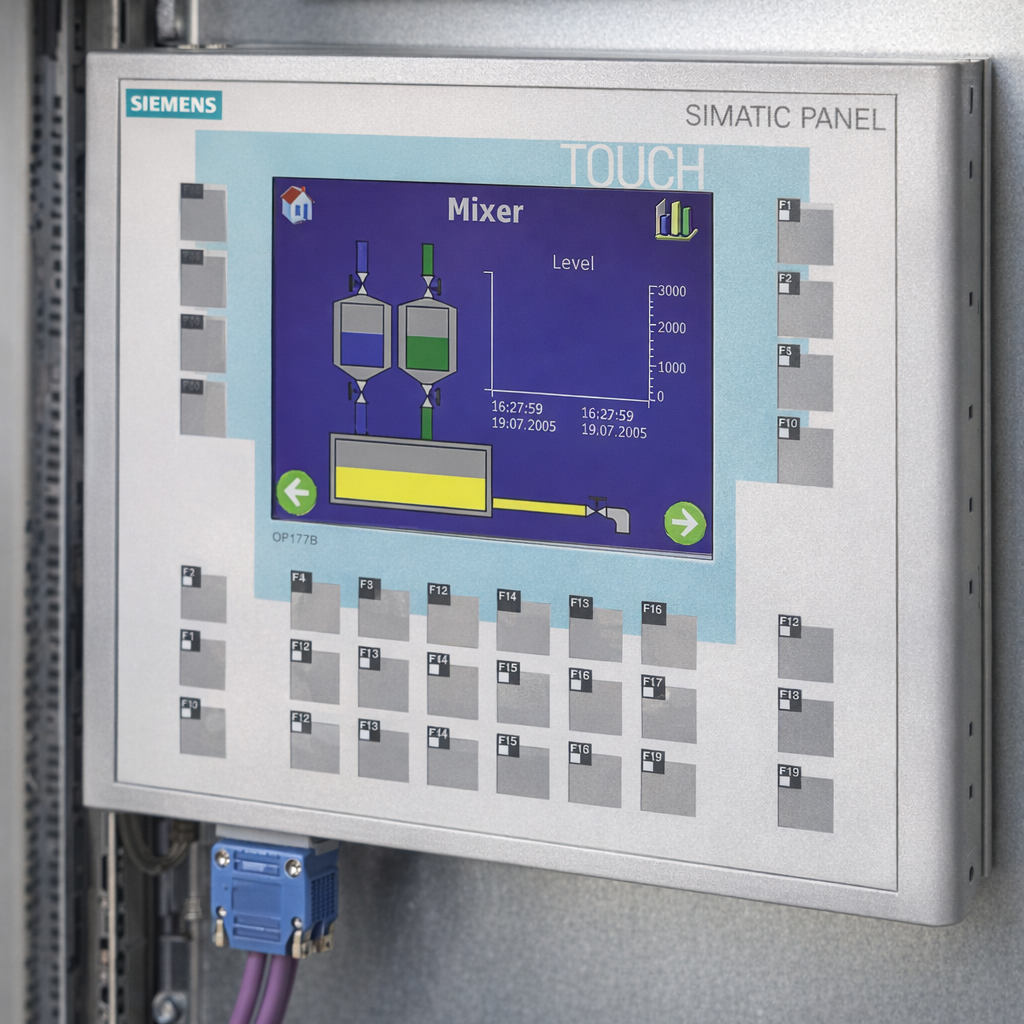
1. WinCC Flexible Communication Failure with OP177
Symptoms
No response after project download, intermittent connection loss, or failure to go online.
Step-by-Step Troubleshooting
- Verify MPI/PROFIBUS cable integrity and proper terminating resistors.
- Confirm matching station address, baud rate (commonly 187.5 kbps), and parity in WinCC Flexible transfer settings and PLC hardware config.
- Reset HMI communication parameters via the Control Panel and reboot.
- Update WinCC Flexible to the latest Service Pack to resolve version mismatches.
VICPAS Tip: Persistent hardware faults often trace back to aging interfaces. Browse our OP177-compatible parts here: https://www.vicpas.com/s?term=OP177 – many customers upgrade to our replacement panels for plug-and-play reliability.
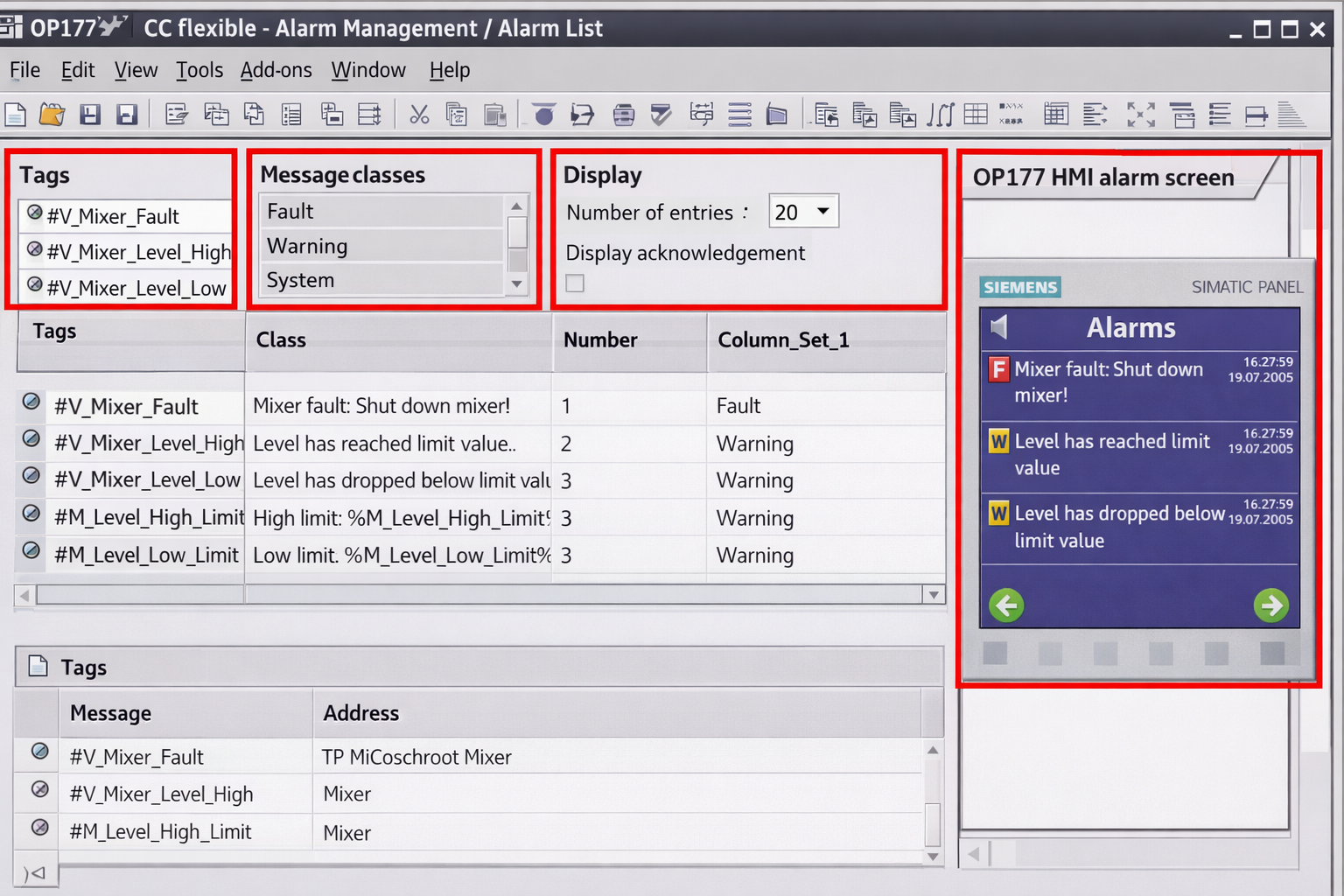
2. Alarm List Display Issues
Symptoms
Alarms missing, partial display only, or failure to acknowledge.
Step-by-Step Troubleshooting
- In WinCC Flexible, double-check alarm tags are correctly linked and messages configured.
- Ensure the alarm view object is properly assigned to the OP177 screen area.
- Recompile the full project (avoid partial transfers) and download again.
- Clear the alarm buffer in runtime mode if corrupted.
VICPAS Tip: Dim or failing displays frequently cause visibility issues. We stock brand-new OP177 LCD display modules – install and restore clear alarm monitoring instantly.
3. Touch Screen Not Responding
Symptoms
Touch inputs ignored, but function keys work normally.
Step-by-Step Troubleshooting
- Inspect the touchscreen surface for scratches, dirt, or damage from tools.
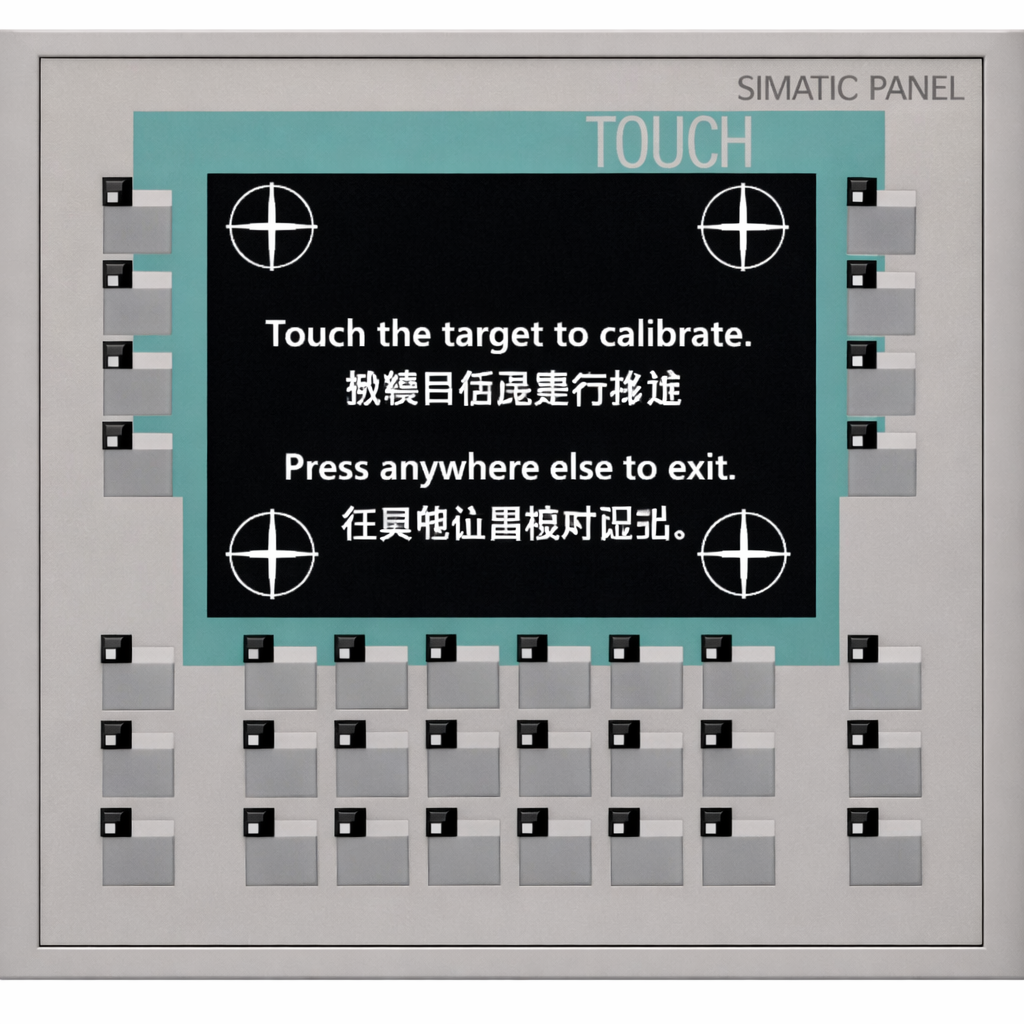
- Access Control Panel → Stylus → Recalibrate; follow on-screen crosshair prompts precisely.
- Apply a protective film to prevent future wear.
- If calibration fails repeatedly, the touch controller or membrane is likely faulty.
VICPAS Solution: We offer 100% compatible OP177B touchscreen glass/membranes with installation guides and video support – proven to restore full touch functionality.
4. Windows CE Boot Failure
Symptoms
Stuck on boot logo, endless reboot loop, or black screen.
Step-by-Step Troubleshooting
- Use ProSave or memory card to reload the OS image.
- Reseat or replace the CompactFlash card if contacts are dirty or corrupted.
- Perform a hard reset (hold designated boot key + power for ~10 seconds).
- Re-flash the latest compatible firmware version if OS corruption is confirmed.
VICPAS Solution: We provide full OP177 OS upgrade kits and replacement mainboards to eliminate boot issues permanently.
5. Communication Loss Between OP177 and CPU 315 (or Similar PLC)
Symptoms
Sudden loss of link, no data exchange.
Step-by-Step Troubleshooting
- Ensure unique PROFIBUS addresses with no duplicates.
- Verify cable length and baud rate compatibility (max distance decreases at higher speeds).
- Check STEP 7 diagnostic buffer for communication errors on the CPU side.
- Swap cables or modules to isolate hardware faults.
6. Touch Screen Calibration Drift
Symptoms
Touch points offset, inaccurate selections.
Step-by-Step Troubleshooting
- Boot into Setup mode (hold specific key during power-on if required).
- Recalibrate by tapping the five crosshair targets accurately.
- Save and reboot to test.
- Replace touchscreen if drift returns quickly.
VICPAS Recommendation: Our calibration-grade OP177 touch membranes include step-by-step tutorials.
7. Replacing an OP177B with a Newer Model
Symptoms
Original unit discontinued; upgrade needed without major rewiring.
Step-by-Step Approach
- Use WinCC Flexible's project conversion tool to migrate screens.
- Confirm new panel (e.g., successor series) matches interfaces.
- Test communication, alarms, and scripts incrementally.
VICPAS Advantage: We maintain stock of fully compatible OP177 replacement panels (including upgraded versions) – drop-in ready, no PLC program changes required.
8. Migration Issues from OP17 to OP177B
Symptoms
Project fails to import cleanly; screens misaligned.
Step-by-Step Approach
- Perform "Convert Project" in WinCC Flexible.
- Manually adjust resolution, tag mappings, and object positions.
- Validate every screen and script after conversion.
9. WinCC Flexible Project Transfer Failure
Symptoms
Transfer aborts, no clear error, or window crashes.
Step-by-Step Troubleshooting
- Open View → Output window to reveal hidden compile errors.
- Run Project → Compiler → Rebuild All to fix tag conflicts or missing objects.
- Resolve all issues, then retry full transfer (ensure HMI is in Transfer mode).
- Check USB/serial drivers and cable if persistent.
VICPAS Tip: Transfer failures often coincide with hardware degradation. Our new OP177 panels eliminate these headaches.
Conclusion: Prevent Future Downtime with Proactive Solutions
Most OP177 issues can be resolved in under 30 minutes using these steps. When hardware reaches end-of-life, replacement is the most reliable path forward.
VICPAS specializes in Siemens OP177 parts
Explore our dedicated section: https://www.vicpas.com/s?term=OP177
- Full touchscreen replacement panels
- Touch glass + protective membranes
- LCD displays, keypads, and plastic housings
- 1-year warranty | Fully tested | Worldwide same-day dispatch
Our promise: 20+ years of HMI expertise, 100% satisfaction focus, custom solutions, and fast support. Contact us for free diagnostics or instant quotes.
About VICPAS — Learn more about our story and commitment at https://www.vicpas.com/comm01.htm
Published by VICPAS HMI Parts Expert Team | March 2026
References: Siemens Industry Online Support forums, PLCtalk.net threads, Industrial Monitor Direct knowledge base.
Take action now – visit https://www.vicpas.com/ to secure your OP177 parts and keep your systems running smoothly!
 Fast Quote
 Fast Quote
 Worldwide Shipping
 12 Months Warranty
 Customize Service
- Phone
- *Title
- *Content
