
Maintenance and Troubleshooting for Siemens HT8
Maintenance and Troubleshooting for Siemens HT8
Table of Contents
As a leading provider of industrial automation solutions, Vicpas understands the critical role that reliable equipment plays in your operations. The Siemens SINUMERIK HT8 handheld terminal is a versatile and robust device used in CNC machining environments, offering operators intuitive control over machine tools. However, like any sophisticated hardware, it requires regular maintenance and effective troubleshooting to ensure optimal performance and minimize downtime.
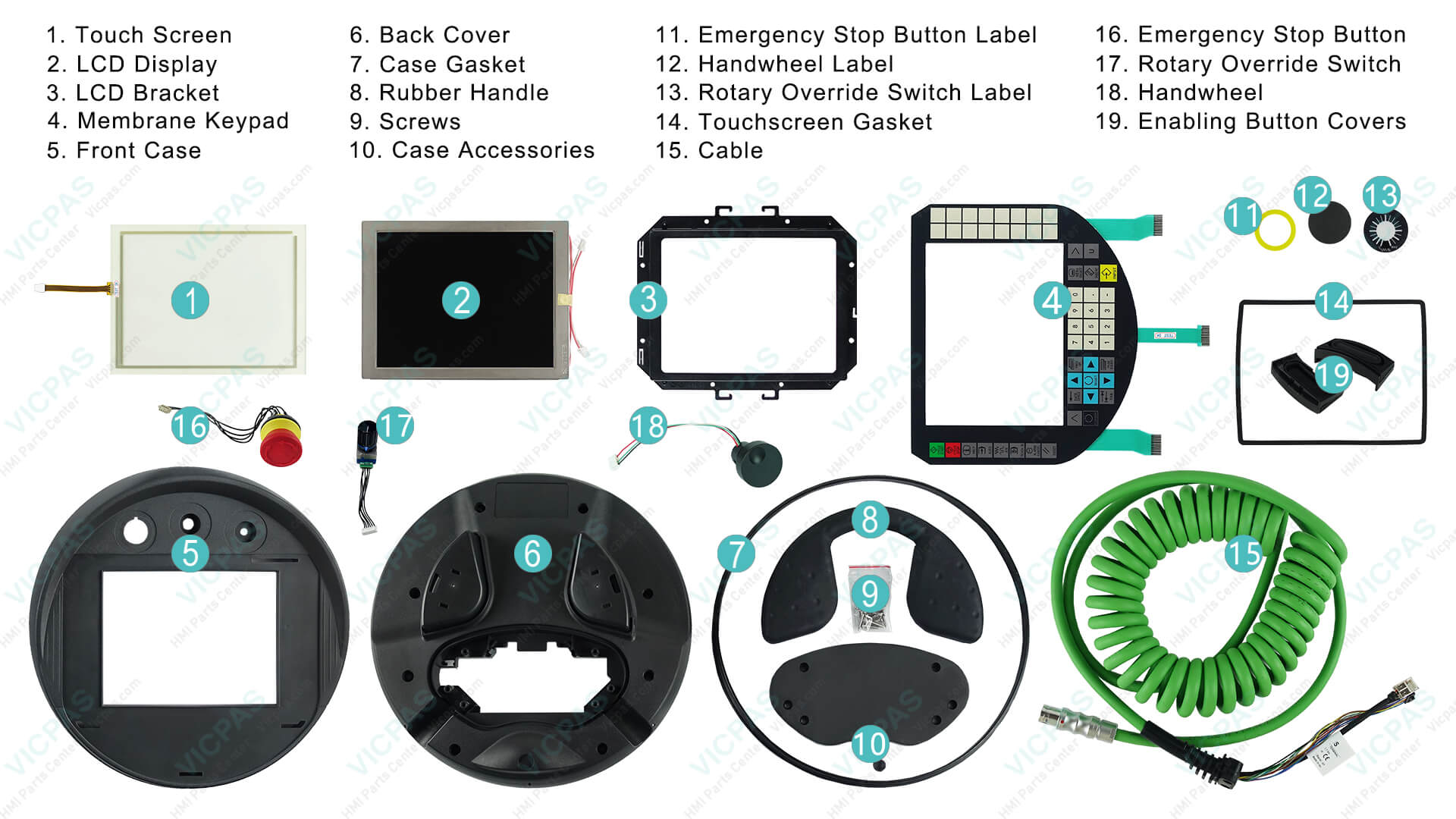
At Vicpas, we specialize in HMI replacement parts, including touch screens, keypads, and LCD displays compatible with the Siemens HT8. With over 20 years of expertise in industrial HMI solutions, we offer high-quality, tested components to support your maintenance needs. Visit our Siemens HT8 product page to explore replacement options like the 6FC5403-0AA20-1AA0 Touch Glass Panel Kit, which can restore functionality quickly and cost-effectively.
Understanding the Siemens HT8 Handheld Terminal
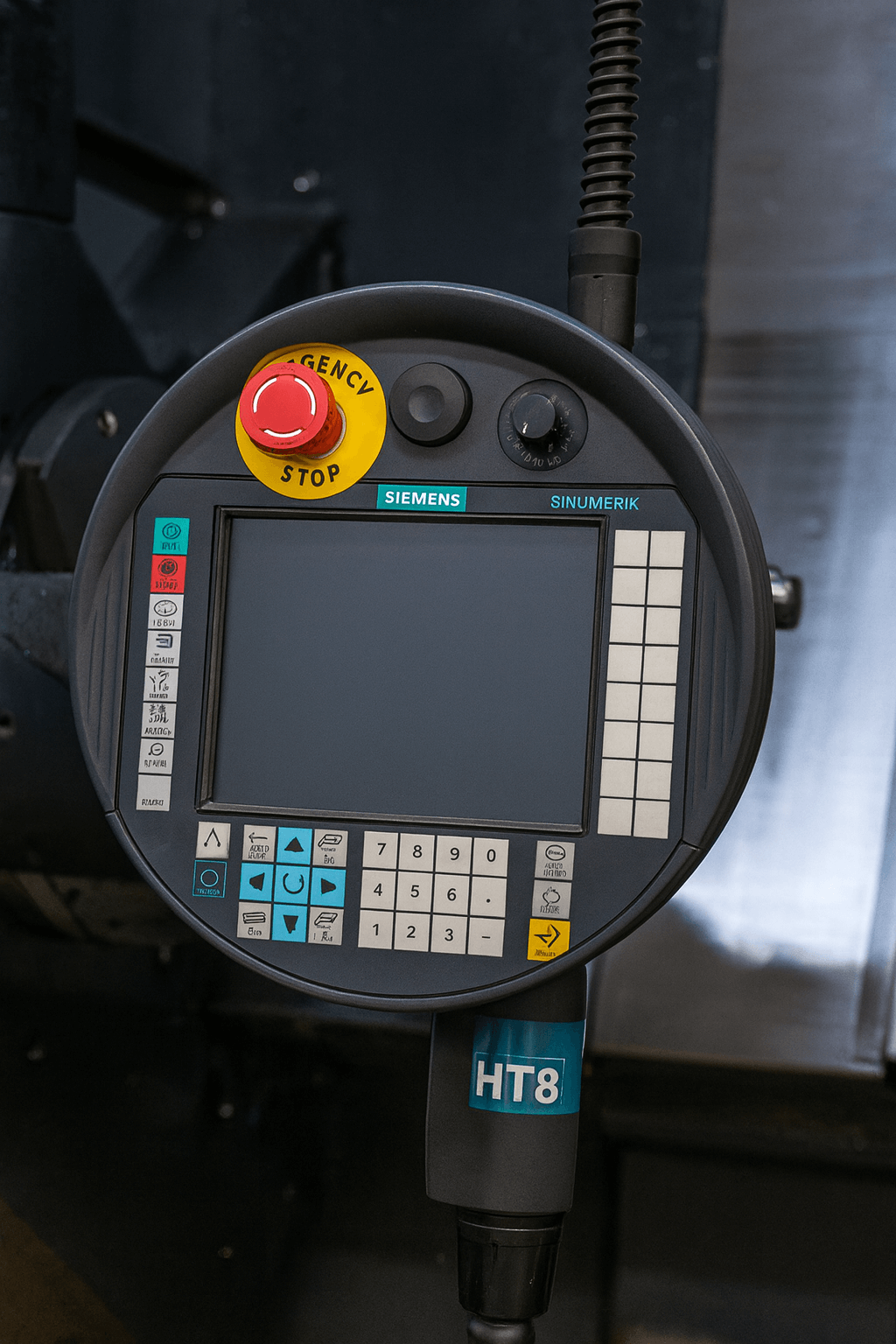
The Siemens SINUMERIK HT8 is part of the SINUMERIK family, designed for handheld operation in CNC systems. It features a durable interface with keys, a display, and connectivity options for seamless integration with machine control panels (MCP) and processing units (PPU). Proper maintenance not only extends its lifespan but also prevents costly interruptions in production.
Safety Precautions Before Maintenance
- Power Down Procedures: Disconnect the power supply, wait for capacitor discharge (typically 5-10 minutes), and verify no voltage using a multimeter.
- ESD Protection: Use grounded wrist straps and conductive surfaces to prevent electrostatic damage to sensitive components.
- Qualified Personnel Only: Maintenance should be performed by trained technicians familiar with Siemens SINUMERIK systems.
- Residual Risks: Be aware of potential unintended machine movements or electrical shocks; implement emergency stops and isolate energy sources like compressed air.
Routine Maintenance Best Practices for Siemens HT8
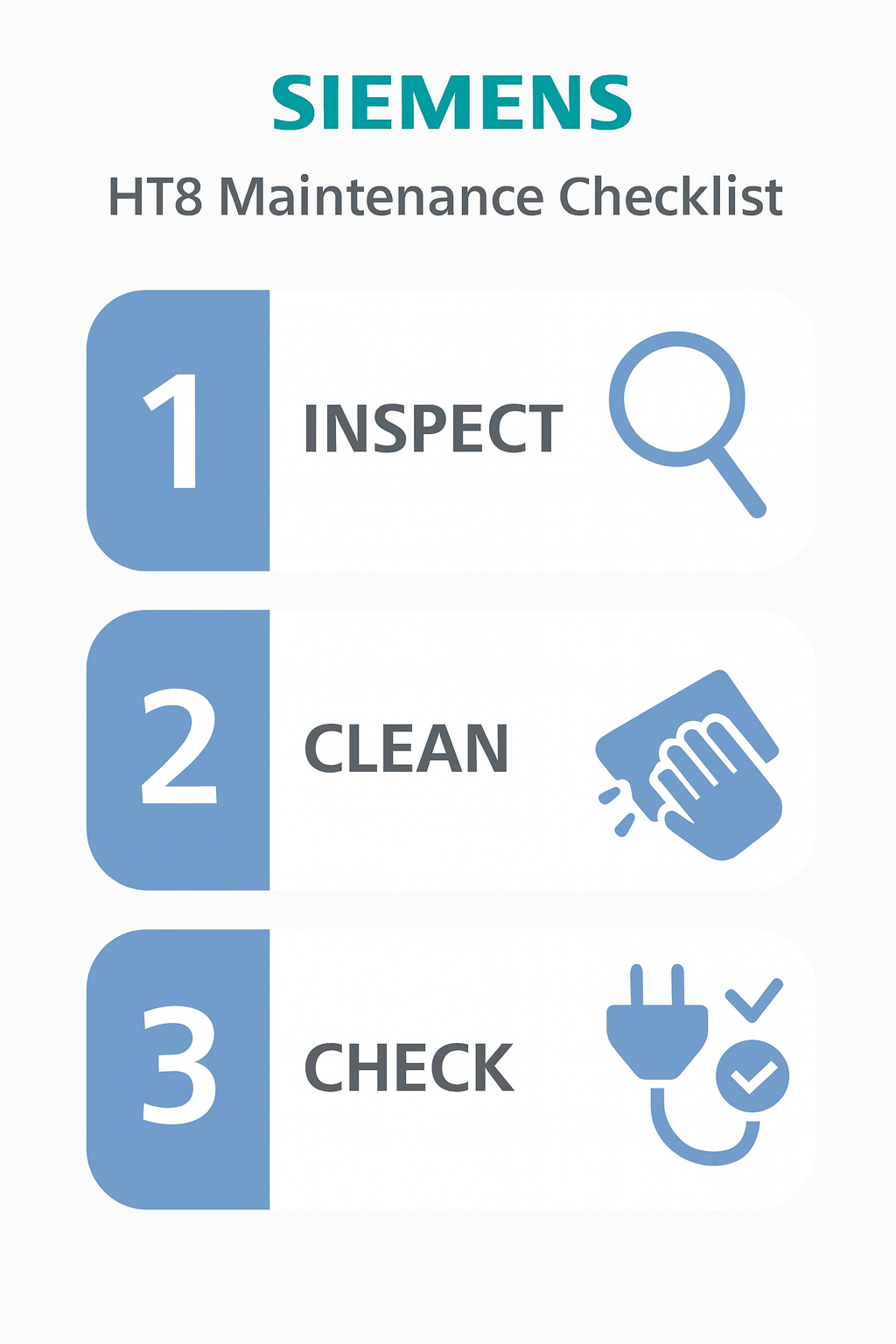
- Visual Inspections: Check for physical damage, loose connections, or wear on cables and interfaces (e.g., X10 on HT8/MCP).
- Cleaning and Lubrication: Use non-abrasive cleaners for the display and keypad.
- Connection Checks: Verify interfaces like X30 on the PPU and X10 on the MCP. Replace cables if frayed.
- Software Updates: Monitor for Siemens firmware updates via their support portal.
- Service Alarms Monitoring: Use the PLC status window to check reminders (e.g., alarm 700029).
By incorporating Vicpas replacement parts, such as our 6FC5403-0AA20-1AA1 Touch Keyboard LCD Plastic Housing Kit, you can easily address wear and tear. Our components are rigorously tested for compatibility, backed by a 1-year warranty, and available with worldwide shipping options. Learn more about our full range of Siemens-compatible parts at Vicpas HMI Parts Center.
Common Issues and Troubleshooting Steps
1. Display Issues (Black Screen or Freezes)
Symptoms: Screen inactive, freezes during startup, or no backlight.
Causes: Power supply failure, CF card issues, or damaged PPU.
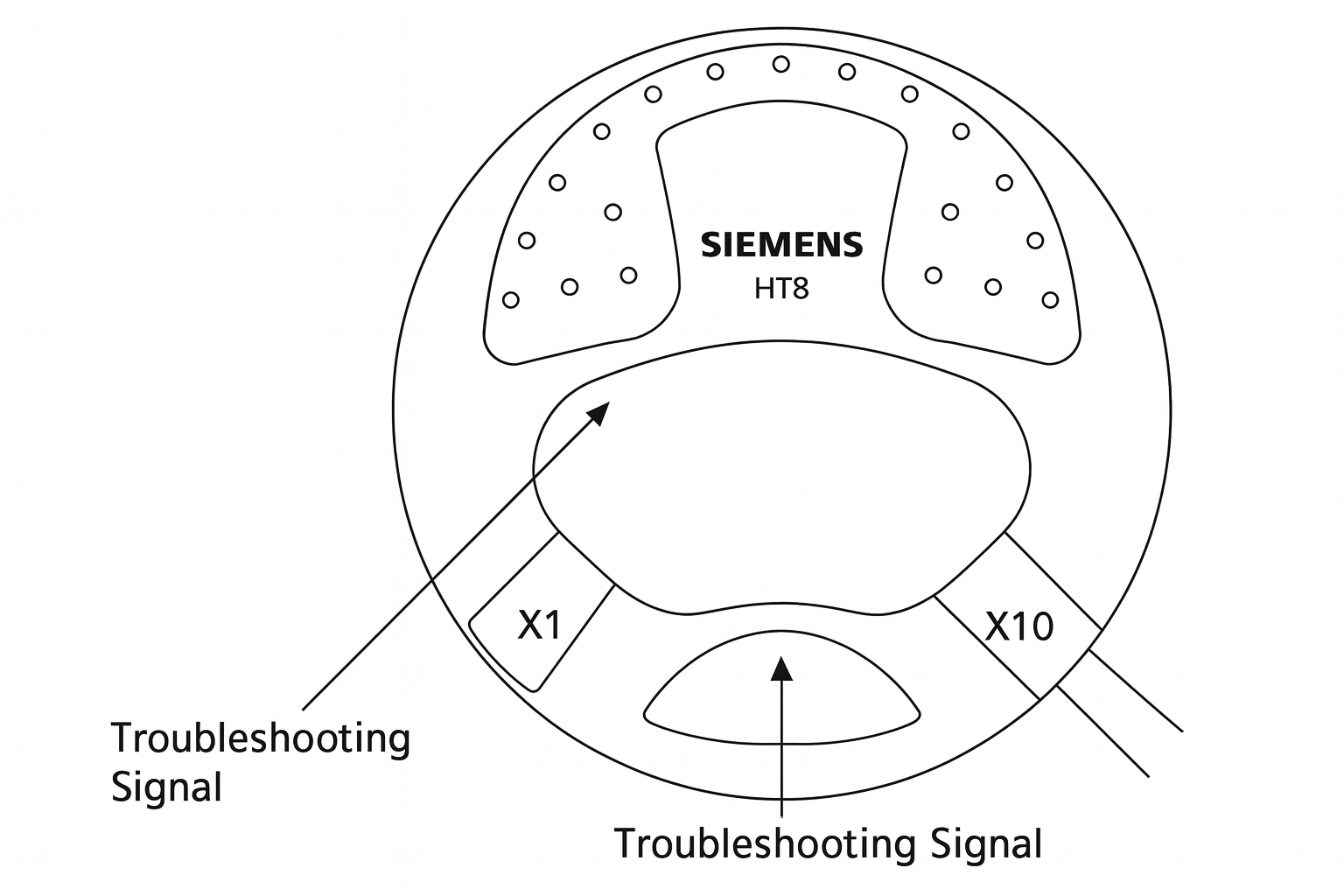
Troubleshooting Steps: Restart the system, check CF card insertion, measure voltage at X1 interface (should be 24VDC).
Vicpas Solution: Our 6FC5403-0AA20-0AA1 Membrane Switch Touch Glass LCD Housing Kit restores visibility and touch functionality.
2. Button or Keypad Failures
Symptoms: Unresponsive keys.
Vicpas Solution: Replace with our durable membrane keypads from the 6FC5403-0AA20-0AA0 Touch Glass Panel Screen Kit.
3. Connection Faults
Symptoms: MCP unresponsive, LEDs off or flashing, alarm 400003.
Vicpas Solution: Our kits include replacement cables and gaskets for secure connections.
Preventing Future Faults
Partner with reliable suppliers like Vicpas for proactive part replacements. Our advanced testing facilities and vast inventory ensure your Siemens HT8 remains trustworthy.
Conclusion
Maintaining and troubleshooting your Siemens HT8 doesn't have to be daunting. At Vicpas, we're here to support you with expert HMI replacement parts tailored for Siemens systems.
Explore our offerings today at https://www.vicpas.com/s?term=HT8 or learn about our company at https://www.vicpas.com/comm01.htm.
References
- Siemens Industry Support Portal – Official manuals, FAQs, and troubleshooting resources
- SINUMERIK HT8 Connection & Panel Integration Guide
- Siemens SINUMERIK Handheld Units Service Manual (PDF)
- CNCzone Forum – Siemens SINUMERIK handheld terminal discussions
- Practical Machinist Forum – SINUMERIK operator panel issues
- Siemens SINUMERIK ONE Commissioning Manual
- Electro-Matic Siemens Motion Control Documentation
- Siemens SINUMERIK Operator Panel Diagnostics
- Robot-Forum – Siemens CNC fault discussions
- Siemens Training & Service Knowledge Base
This article is informed by official Siemens documentation and Vicpas's extensive experience in HMI solutions, ensuring authoritative and practical insights.
 Fast Quote
 Fast Quote
 Worldwide Shipping
 12 Months Warranty
 Customize Service
- Phone
- *Title
- *Content
