
Allen Bradley PanelView 900 Troubleshooting: Common Problems, Solutions & Expert Repair Guide
Allen Bradley PanelView 900 Troubleshooting: Common Problems, Solutions & Expert Repair Guide
Expert troubleshooting for Allen Bradley PanelView 900 common issues. VICPAS offers reliable repairs and replacements.
Table of Contents
Introduction
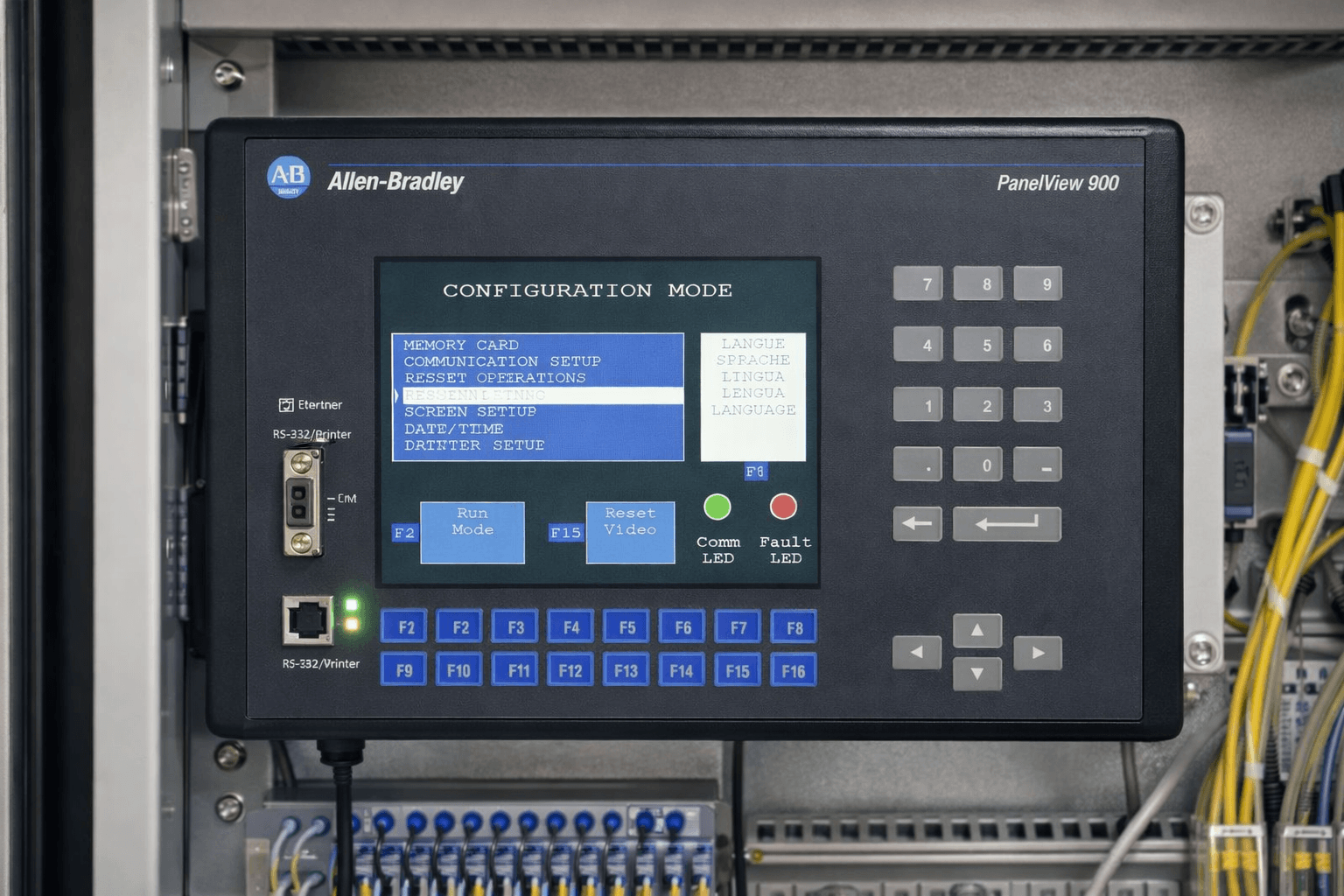
The Allen Bradley PanelView 900 (part of the 2711 Standard series) remains a workhorse in industrial automation, powering operator interfaces for countless manufacturing lines. However, as these legacy terminals age, common problems like white screens, communication drops, backlight failures, and error codes can halt production.
At VICPAS, we specialize in Allen Bradley HMI solutions, offering expert repair, replacement parts, and upgraded alternatives for PanelView 900 units. With years of hands-on experience servicing Rockwell Automation equipment, our team helps facilities minimize downtime and extend the life of their existing hardware.
Common Allen Bradley PanelView 900 Problems and Troubleshooting Steps
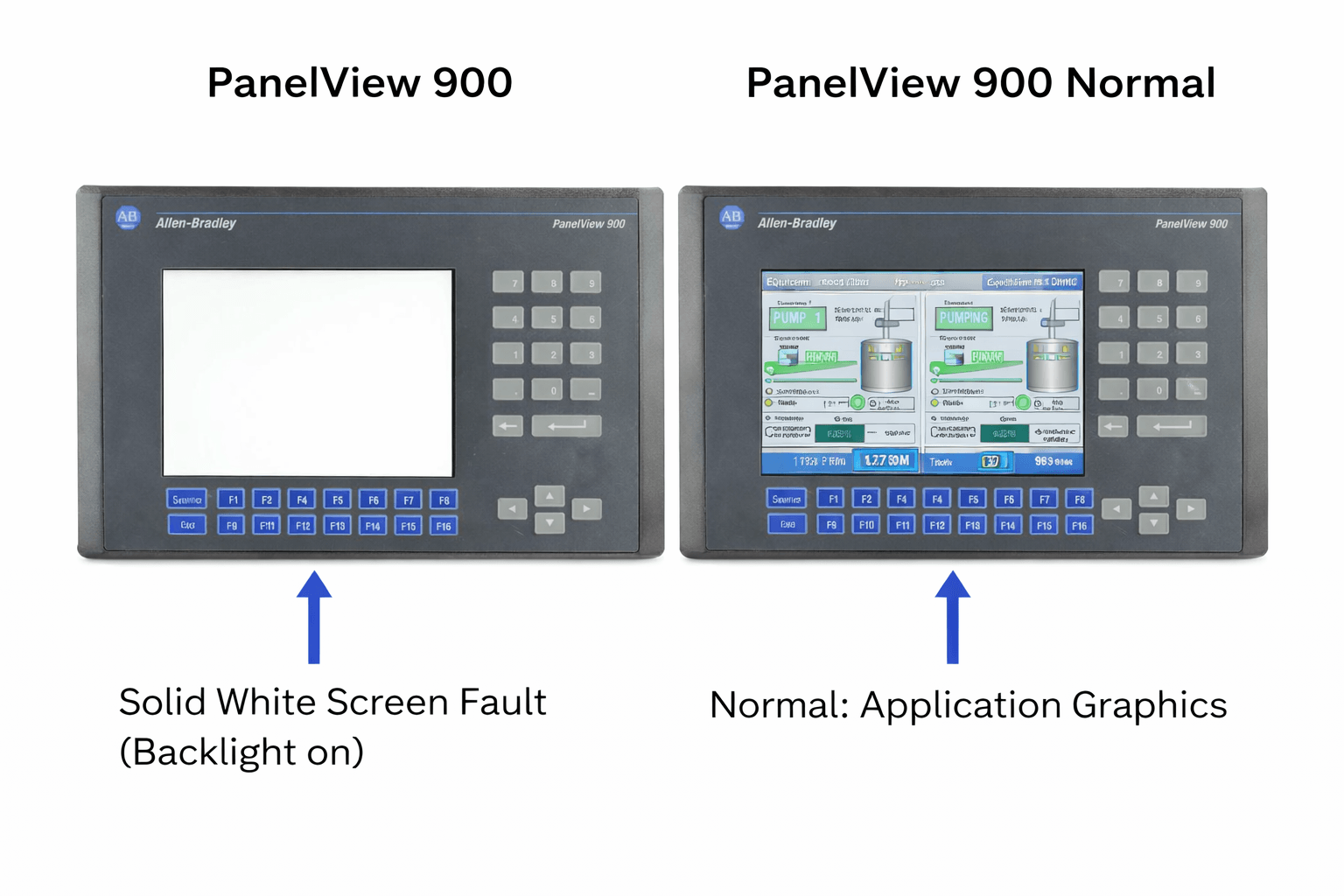
1. White Screen or Blank Display (No Image, Backlight On)
One of the most reported issues is a solid white screen on power-up while the backlight works. This typically points to LCD/display controller failure, loose ribbon cables, or firmware issues.
Troubleshooting Steps:
- Verify power supply and communication with RSLinx or RSLogix.
- Perform a factory reset: During self-test (numbers 1-32), press specific key combinations (e.g., lower-left and upper-right keys on keypad models).
- Check/re-seat internal video cables.
- Attempt firmware recovery or application re-download.
If hardware failure is confirmed, professional repair is often required. VICPAS stocks compatible LCD assemblies and offers fast turnaround repairs for 2711-K9 series units.
2. Communication Failures (DH+, DH-485, RIO, "No Active Nodes")
Problems like green LED not flashing, "Remote Hardware I/O Failed," or no nodes found on DH+ networks are frequent, especially with SLC 5/04 or PLC-5 systems.
Key Fixes:
- Confirm node address, baud rate (e.g., 230.4 kbps), and wiring/termination.
- Test with reduced baud rate to rule out noise.
- Swap or inspect DH+ communication boards (e.g., 2711-NC13).
- Use RSLinx Classic for network browsing.
Our experience at VICPAS shows that defective transceivers are a known failure mode in older units. We provide tested replacement boards and full communication port repairs. Visit our PanelView 900 product page for compatible spares.
3. Touchscreen/Keypad Issues (Stuck Keys, Dead Spots, Unresponsive)
Error codes such as Fatal 3A or Error 31 often indicate stuck keys or calibration problems. Cracked overlays and wear from heavy use are common.
Solutions:
- Clean the screen and recalibrate.
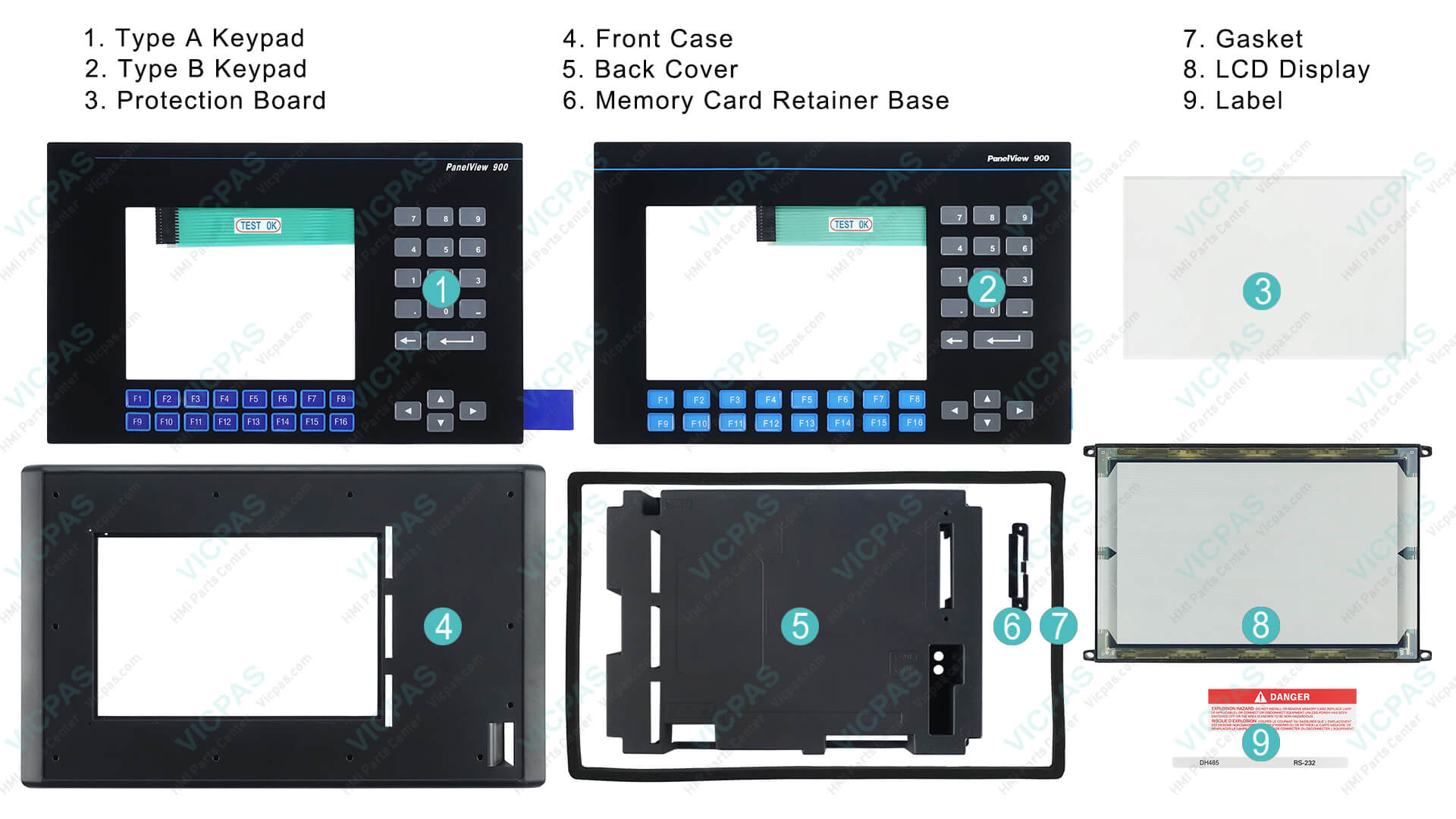
- Replace damaged overlays or full touchscreen assemblies.
- For severe damage, professional refurbishment is best.
VICPAS excels in PanelView touchscreen replacements with high-quality, durable components that match OEM specifications, backed by our warranty. See our company expertise at VICPAS About.
4. Backlight Failure, Dim/Flickering Screen, or Self-Test Errors
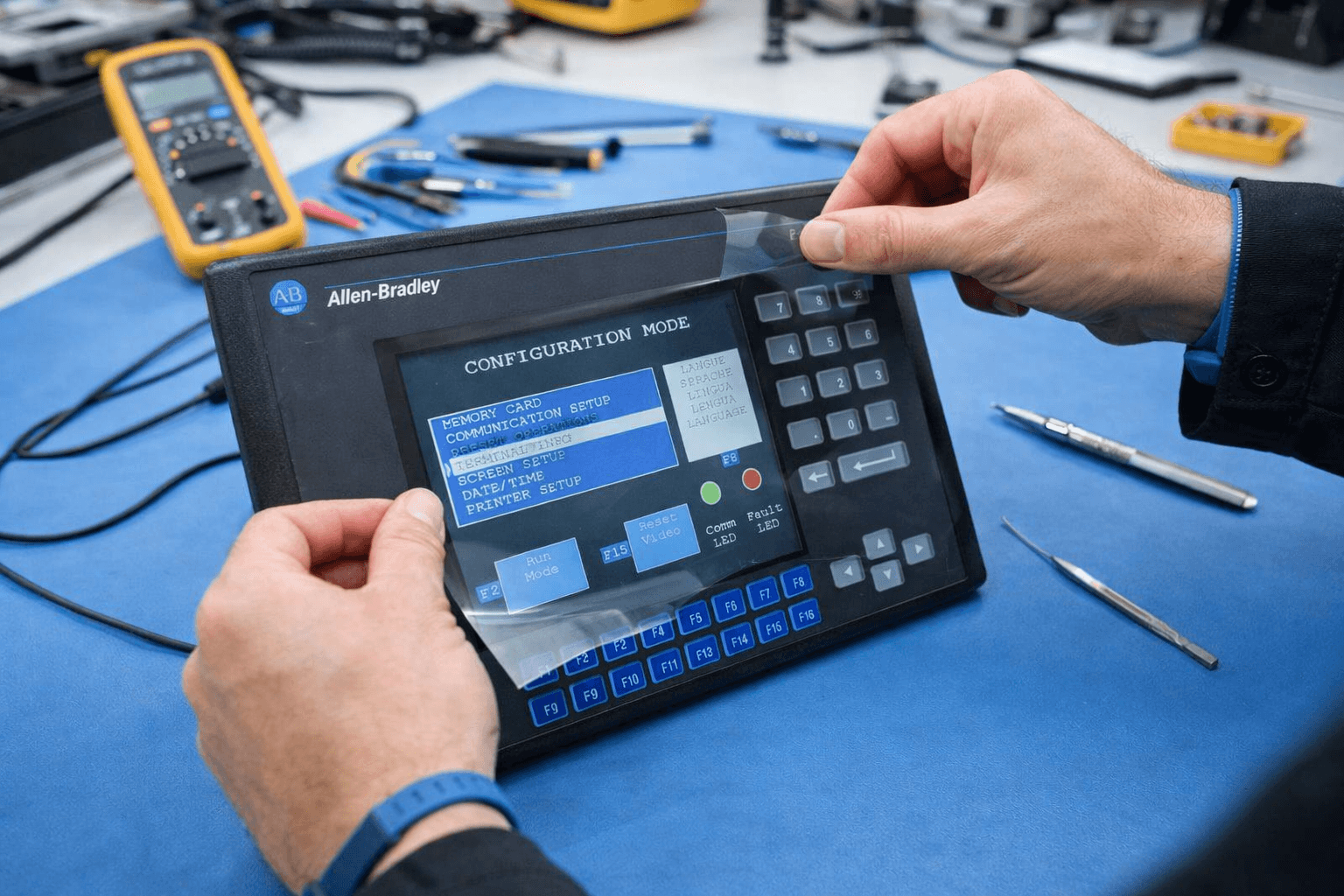
Backlight replacement is a standard maintenance task detailed in Rockwell manuals. Error codes (e.g., 60, RAM test failures) require systematic diagnosis.
VICPAS maintains inventory of backlights, motherboards, and other components for quick fixes, helping clients avoid full system replacements.
5. Firmware, Application Download, and Graphics Issues
Mismatched firmware (e.g., FRN 1.00 vs newer) can corrupt graphics during downloads. Always match versions and back up applications.
Why Choose VICPAS for Your PanelView 900 Needs?
With deep expertise in Rockwell Automation legacy systems, VICPAS combines official best practices with practical, field-proven solutions. We repair what others scrap, offer cost-effective replacements, and guide upgrades to modern PanelView Plus equivalents when needed. Our commitment to quality and rapid service has helped manufacturers worldwide reduce downtime.
Explore our full range of Allen Bradley PanelView 900 parts and services on our dedicated product page. For personalized support, contact our team via our company page.
Conclusion & Next Steps
Troubleshooting Allen Bradley PanelView 900 issues requires a mix of official documentation, diagnostic tools, and hands-on expertise. By following the steps above, many problems can be resolved in-house, but for complex hardware failures, trust specialists like VICPAS.
Don’t let legacy HMI problems slow your operations. Browse our solutions today or reach out for a free repair quote. Staying proactive with maintenance and quality parts ensures your PanelView 900 continues delivering reliable performance.
References
- PanelView Standard Operator Terminals User Manual (Rockwell Automation)
- Allen Bradley PanelView 900 Repair Guide
- White Screen Troubleshooting for PanelView 900
- PLCtalk Forum - PanelView 900 Problems
- DH+ Communication Issues Resolution
- PLCtalk Forum - Communication Failure Cases
- MrPLC Forum - Firmware and Graphics Issues
- Touch Screen Replacement Best Practices
 Fast Quote
 Fast Quote
 Worldwide Shipping
 12 Months Warranty
 Customize Service
- Phone
- *Title
- *Content
