
Siemens TD200 Display: Comprehensive Troubleshooting Guide for Common Problems & Solutions
Siemens TD200 Display: Comprehensive Troubleshooting Guide for Common Problems & Solutions
Table of Contents
Introduction to the Siemens TD200 Display
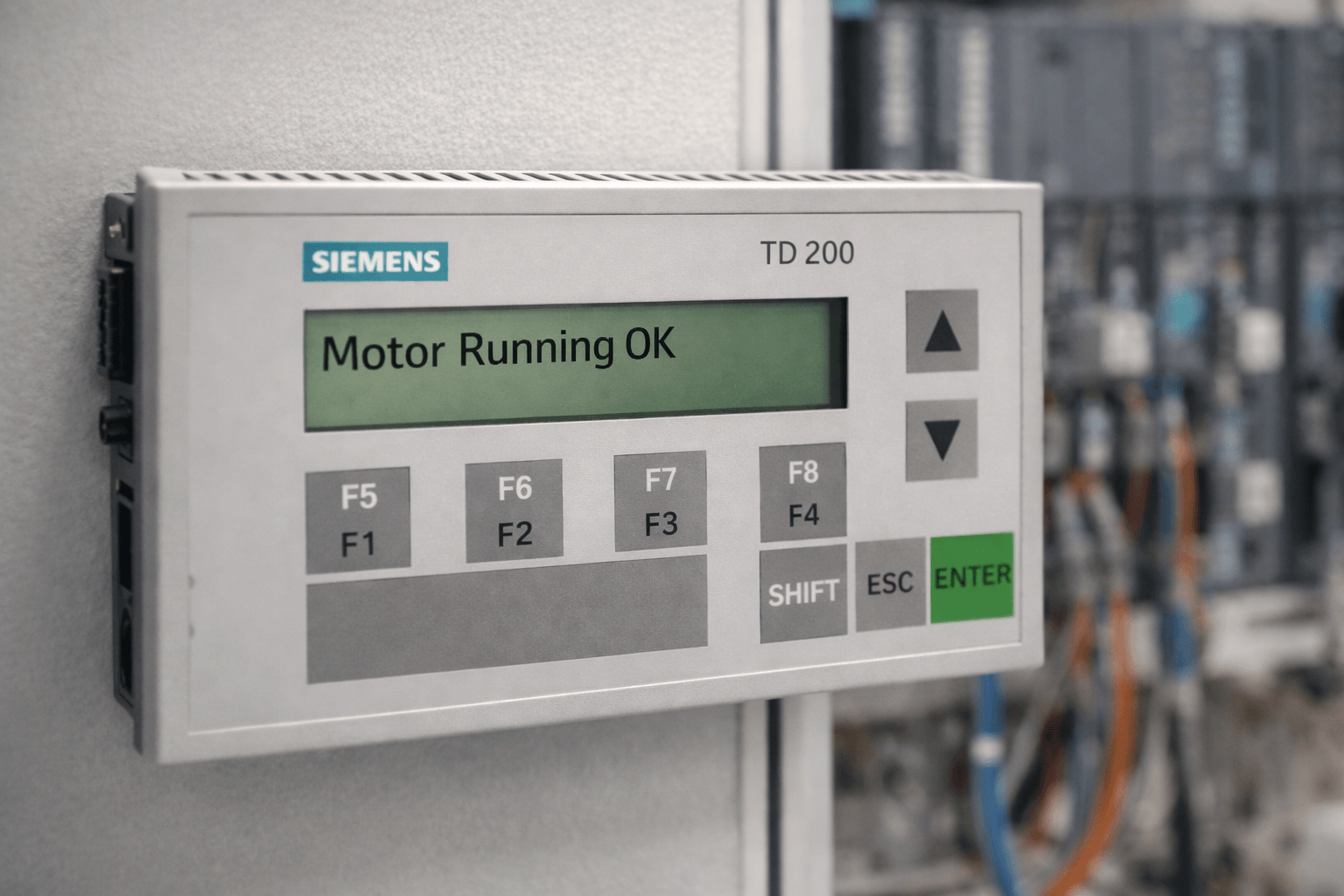
The Siemens TD200 Display (also known as SIMATIC TD200 Text Display) is a compact, cost-effective operator interface designed for the S7-200 PLC series. It provides clear text-based messaging, menu navigation, variable monitoring, and basic control functions, making it ideal for small automation systems in manufacturing, process control, and machine building.
Despite being a legacy product, many facilities still rely on the TD200 for its reliability and simplicity. However, users frequently encounter communication issues, configuration errors, and display problems. This guide compiles expert troubleshooting for the most common Siemens TD200 Display issues.
At VICPAS, we specialize in supplying high-quality replacement parts for the Siemens TD200 Display, including membrane keypads, plastic housings, and full operator panels. With over 20 years of experience in HMI parts, we help keep your legacy systems running smoothly while offering fast global shipping and a 1-year warranty.
Common Siemens TD200 Display Problems
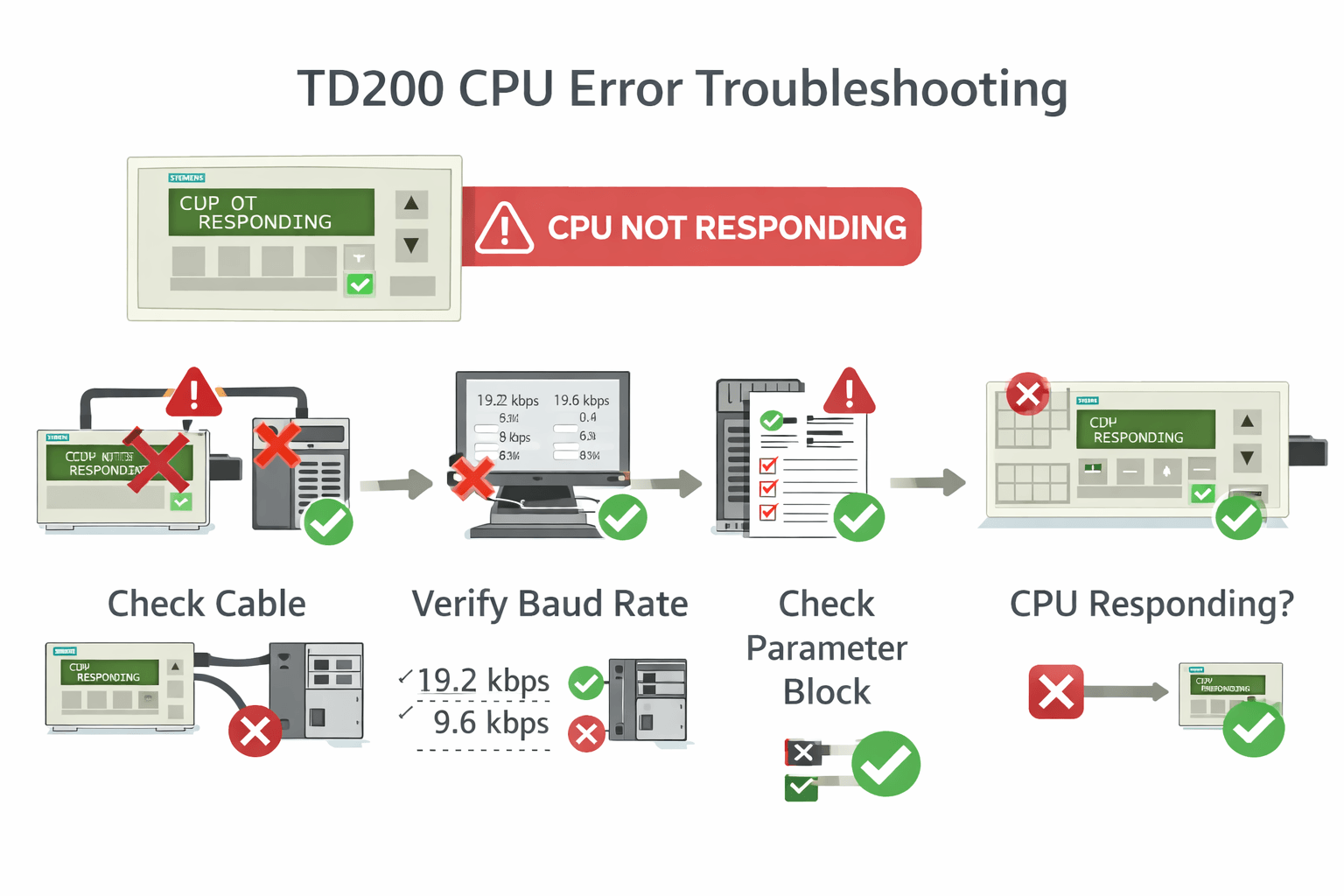
- "CPU NOT RESPONDING" Error — The most frequent communication failure.
- "NO PARAMETER BLOCK" Message — Configuration data not found.
- Communication Failures or Intermittent Display.
- Keypad or Display Hardware Issues (unresponsive keys, backlight failure).
- Configuration and Wizard Problems.
- Fatal/Non-Fatal Error Messages (WATCHDOG TIMEOUT, EEPROM FAILURE, etc.).
Step-by-Step Troubleshooting Guide
1. Fixing "CPU NOT RESPONDING"
- Verify the PPI communication cable is securely connected and undamaged.
- Ensure baud rates match (default 9.6 kbaud).
- Confirm TD200 address and parameter block settings.
- Power cycle the CPU and TD200; try a different cable or port.
2. Resolving "NO PARAMETER BLOCK"
- Check that the parameter block is stored correctly in V-memory (typically starting at VB0).
- Access the TD200 Diagnostic Menu (press ESC twice) → TD Setup → Parameter Block Address.
- Re-run the TD200 Wizard in STEP 7-Micro/WIN and download the configuration.
3. General Communication & Configuration Tips
- Use the TD200 Setup Menu to verify firmware version, baud rate, and station address.
- Always back up your PLC program before making changes.
4. Hardware and Fatal Errors
- Persistent checksum errors or backlight issues usually indicate hardware failure.
- For worn-out keypads or damaged housings, replacement parts are the most cost-effective solution.
Pro Tip from VICPAS Experts: Many communication errors are actually caused by degraded membrane keypads or cracked housings after long-term use. Our tested replacement parts can quickly restore full functionality.
When to Consider Upgrades or Replacements
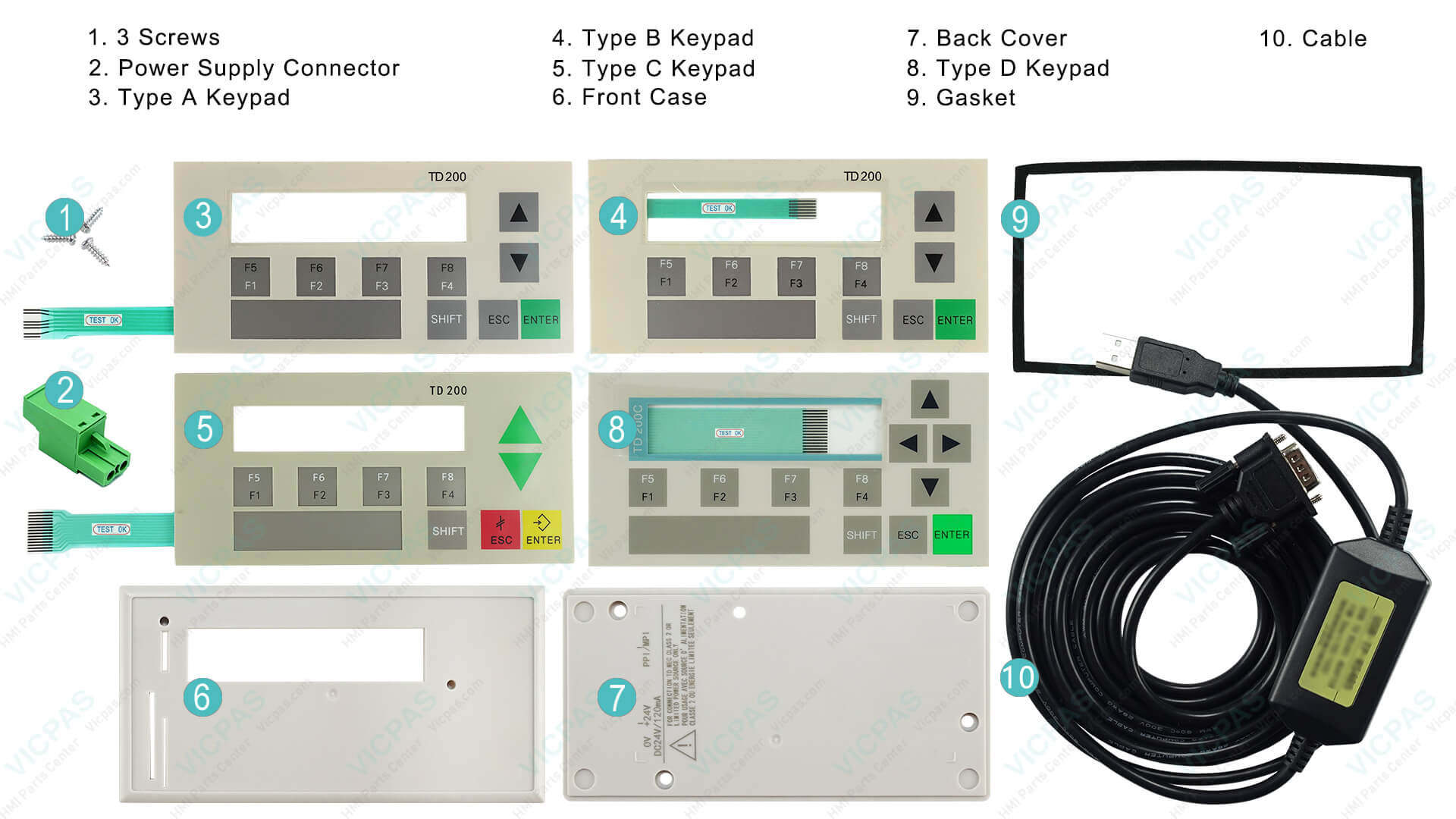
The TD200 is discontinued, so sourcing reliable compatible parts is essential. VICPAS maintains a large inventory of TD200 membrane keypads, shells, and related components to minimize your downtime. All parts come with rigorous quality testing and a 1-year warranty.
Browse Siemens TD200 Parts Now →
Best Practices for Siemens TD200 Display Maintenance
- Regularly back up parameter blocks and PLC programs.
- Document all custom configurations.
- Refer to official Siemens resources.
Conclusion
Troubleshooting your Siemens TD200 Display can resolve most issues quickly when following structured steps from official manuals and real-world experience. For reliable replacement parts and expert support on legacy Siemens HMI systems, trust VICPAS — your professional partner for HMI touchscreens, keypads, displays, and housings worldwide.
Contact VICPAS Today for fast quotes and worldwide shipping.
www.vicpas.com
References
- Siemens TD200 Operator Interface User Manual (PDF)
- S7-200 Text Display User Manual
- Siemens TD200 CPU NOT RESPONDING Troubleshooting Guide
- PLCtalk Forum - TD200 NO PARAMETER BLOCK Discussion
- Siemens SIMATIC TD200 Manual (ManualsLib)
This guide is for informational purposes only. Always refer to the latest official Siemens documentation and consult qualified technicians. VICPAS is an independent supplier of compatible high-quality HMI replacement parts.
 Fast Quote
 Fast Quote
 Worldwide Shipping
 12 Months Warranty
 Customize Service
- Phone
- *Title
- *Content
