
Nachi Teach Pendant Troubleshooting Guide – Fix Common Issues Fast
Nachi Teach Pendant Troubleshooting Guide – Fix Common Issues Fast
Table of Contents
- 1. Abnormal Connection / TPE0001 Error (Communication Failure)
- 2. Touch Screen Not Responding or Dead Spots
- 3. No Display / Black Screen
- 4. Keys, Buttons, or JOG Dial Not Working
- 5. Alarm 2518 – “Step Number not designated”
- 6. Mode Switching Problems (Teach / Play / Auto)
- 7. Encoder / Battery Related Alarms (e.g., W1016)
- 8. General Cable & Connector Troubleshooting
- Why Choose VICPAS for Nachi Teach Pendant Parts?
- Final Tips for Fast Recovery
- References
When a Nachi (Nachi-Fujikoshi) robot teach pendant fails, production stops. Blank screens, unresponsive touch, communication errors, or mode-switching problems can halt entire cells. This practical guide consolidates the most frequent real-world issues reported by technicians and forum users, then gives clear, step-by-step fixes so you can restore operation quickly.
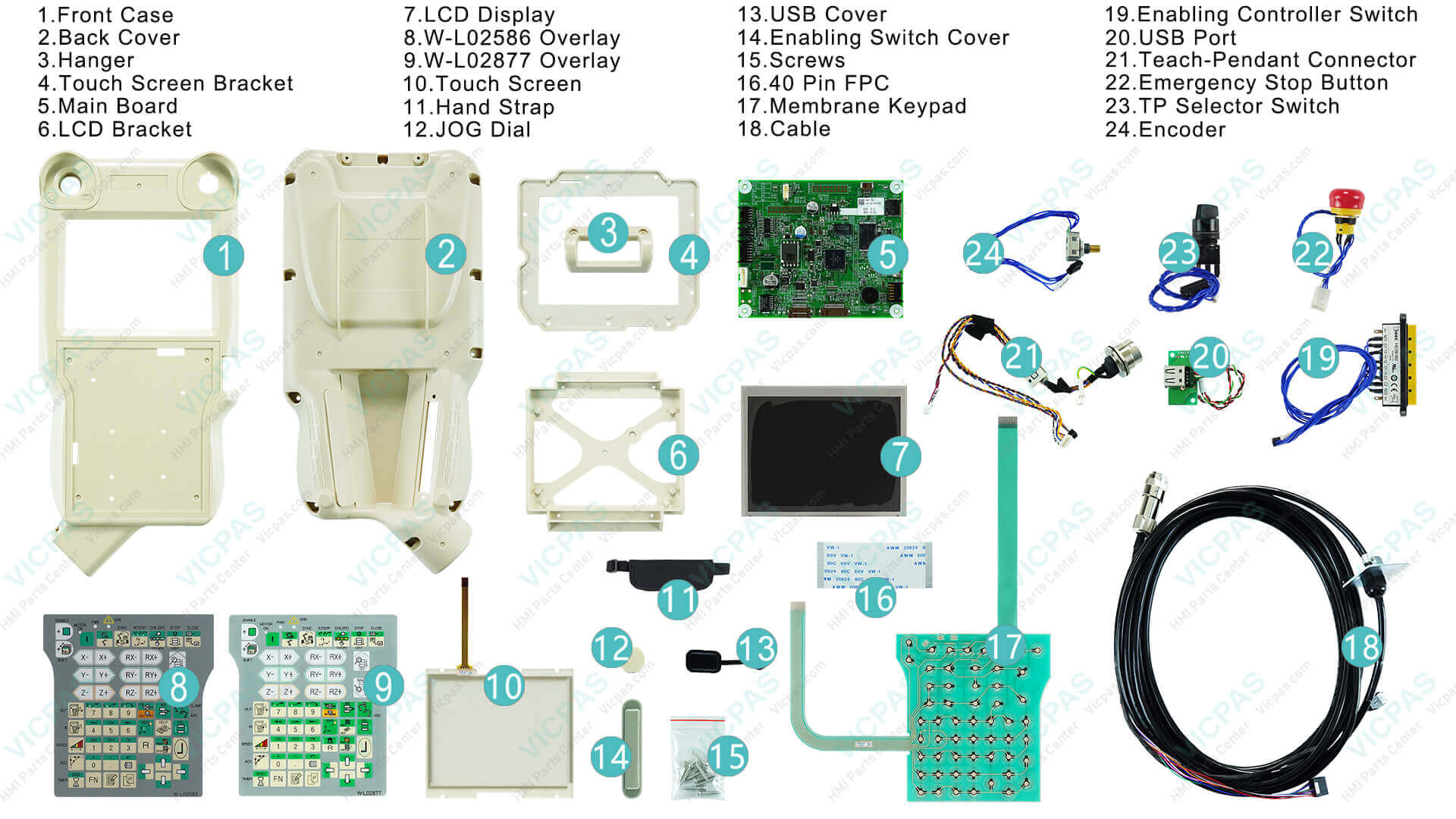
At VICPAS (Guangzhou Vicpas Touch Technology Co., Ltd.), we have supported industrial HMI and robot pendant repair for more than 20 years. With an inventory of over 80,000 models and deep experience in Nachi teach pendant parts, we help maintenance teams minimize downtime with high-quality replacement touchscreens, membrane keypads, LCD displays, housings, cables, E-stop buttons, and JOG dials—all backed by a 12-month warranty and urgent worldwide shipping.
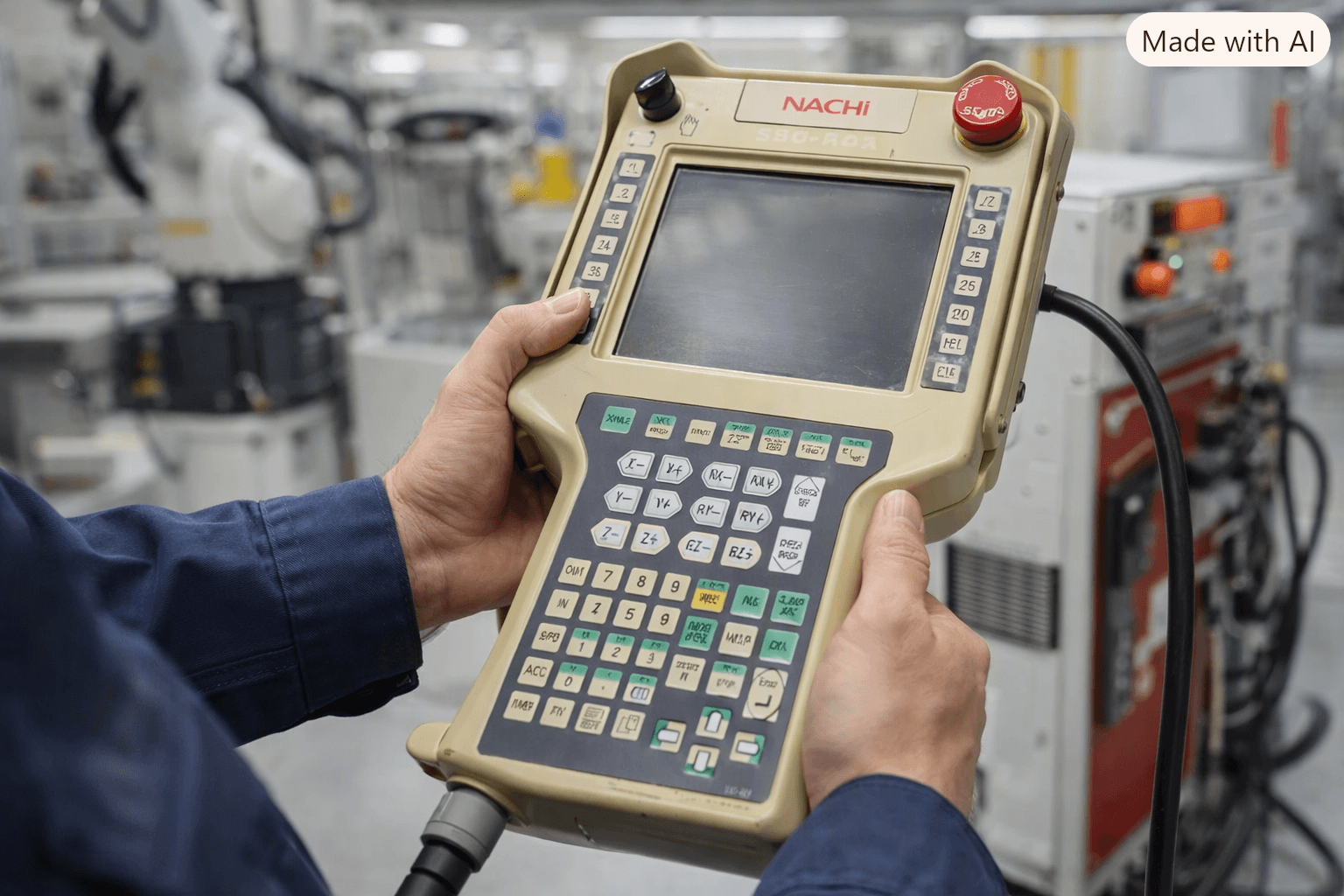
1. Abnormal Connection / TPE0001 Error (Communication Failure)
Symptom
The pendant shows “Abnormal connection – TPE0001 Abnormality occurred by the connection with the controller.” The robot may power on only when a secondary monitor is attached.
Common Causes
- Damaged teach pendant cable
- Loose or oxidized connector at the sequence board
- Faulty power supply or CPU board
Fast Fix
- Power off the controller.
- Inspect the entire pendant cable for cuts, kinks, or bent pins. Flex the cable gently while watching for intermittent connection.
- Clean connectors with contact-safe cleaner and reseat firmly.
- Swap with a known-good cable if available.
- Check primary power supply and sequence-board connections.
If the cable or internal membrane is the culprit, VICPAS stocks direct-fit Nachi pendant cables and membrane keypads for models such as FD11, ROP951, ROP650, and AXTP series. Visit our Nachi Teach Pendant parts page for in-stock options with same-day shipping on many items.
2. Touch Screen Not Responding or Dead Spots
Symptom
Screen lights up but ignores touches, or only certain areas work.
Quick Diagnosis & Fix
- Clean the screen with a soft, lint-free cloth and isopropyl alcohol.
- Check the ribbon cable connection between the touch panel and main board.
- Power-cycle the system (30 seconds off).
- If still unresponsive, replace the touch panel or front overlay.
VICPAS supplies OEM-compatible touch screens and front overlays for Nachi pendants. Our parts are tested for precise fit and durable industrial performance.
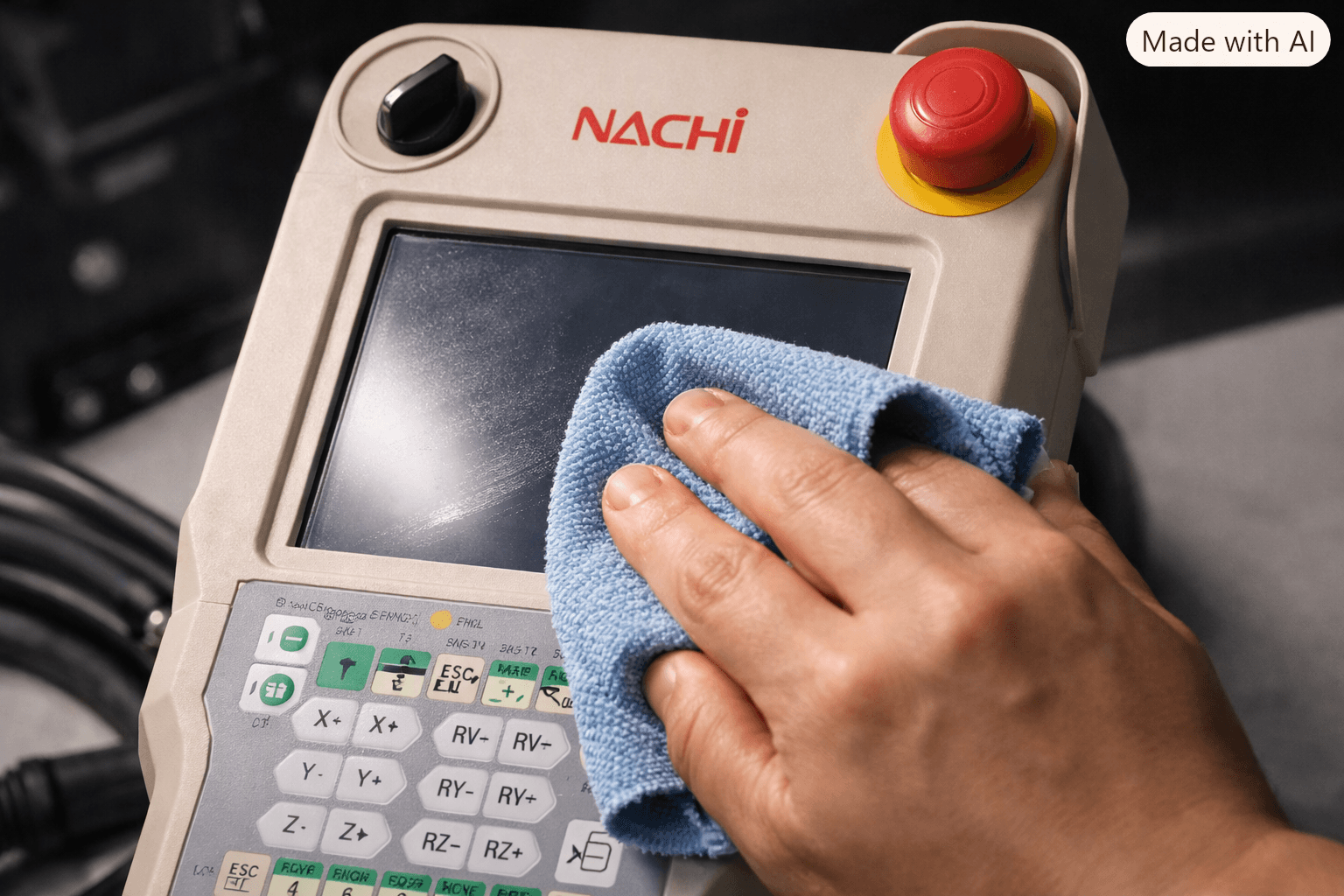
3. No Display / Black Screen
Symptom
Pendant powers on (LEDs may light) but screen stays completely black.
Steps
- Confirm controller power and 24 V supply to the pendant.
- Inspect cable continuity.
- Check backlight and LCD ribbon cable.
- Replace the LCD module if necessary.
VICPAS carries replacement LCD displays and complete housing assemblies for popular Nachi models, helping you avoid long OEM lead times.
4. Keys, Buttons, or JOG Dial Not Working
Symptom
Membrane keys fail, E-stop sticks, or the JOG dial (thumbwheel) does not allow step selection while Enable is held.
Fix for JOG Dial / Step Selection (FD11 example)
Go to:
Constant Setting → 5 Operation/Teaching Conditions → 1 Operating conditions → 8 Step selection with E+up/down keys → set to ENABLE.
For physical key or E-stop failure, replace the membrane keypad or switch. VICPAS offers membrane keypads, E-stop buttons, selector switches, and JOG dials specifically for Nachi teach pendants.
5. Alarm 2518 – “Step Number not designated”
Symptom
After an error or interruption, the robot refuses to restart motors.
Procedure
- Press E-Stop on the pendant or controller.
- Clear the error.
- Tap the step-number area at the top of the pendant screen.
- Set “Designated step” to 0 (re-enter even if already 0).
- Confirm and release E-Stop.
This restores motion task execution in most cases.
6. Mode Switching Problems (Teach / Play / Auto)
Symptom
Selector switch does not change mode; “safety plug” related errors appear; only Teach or only Auto is available.
Checks
- Verify hardware safety-plug jumpers if required.
- Confirm selector positions on both pendant and controller cabinet.
- Check Monitor 2 signals for remote-mode status.
- Ensure teach-lock switch on the pendant is correctly set.
7. Encoder / Battery Related Alarms (e.g., W1016)
Symptom
W1016 “Manipulator battery warning” or position loss after battery replacement.
Actions
- On the pendant: MENU → 4 STATUS → 4 ENCODER BATTERY – note voltages.
- Replace batteries if below threshold.
- Perform Encoder Reset (usually under Constant Setting → Machine Constants → Encoder Correction).
- Complete proper zeroing/correction with zeroing pins as required by the model. Simply resetting without mechanical zeroing often causes position offset.
8. General Cable & Connector Troubleshooting
Cable failure remains one of the most common root causes across industrial pendants. Always:
- Visually inspect jacket and strain relief.
- Test continuity pin-to-pin.
- Clean and reseat connectors.
- Replace with reinforced industrial cable when wear is evident.
Why Choose VICPAS for Nachi Teach Pendant Parts?
VICPAS is a professional HMI parts specialist with over 20 years of experience serving more than 5,000 customers in 110+ countries. We maintain a large inventory of Nachi teach pendant components—including touch screens, membrane keypads, LCD displays, plastic housings, cables, and accessories—ready for fast shipment.
Key advantages:
- Perfect fit and industrial-grade quality
- 12-month VICPAS warranty
- Urgent worldwide shipping (DHL, UPS, FedEx, TNT)
- No minimum order quantity
- Customization available for hard-to-find or obsolete items
Browse our full range of Nachi teach pendant replacement parts here:
https://www.vicpas.com/products2148693/Nachi-Teach-Pendant.htm
Need a quote or technical advice? Contact our team:
Phone: +86-13763341328
Email: sales@vicpas.com
Final Tips for Fast Recovery
- Always start with cable and power checks—these resolve the majority of cases.
- Record alarm codes and pendant model before ordering parts.
- Keep critical spares (cable, touch panel, membrane) on hand for high-uptime lines.
- When replacement is needed, choose tested, compatible parts to restore reliable operation quickly.
By combining systematic diagnosis with quality replacement components, most Nachi teach pendant problems can be fixed the same day. VICPAS is ready to support your next repair with in-stock parts and expert service so your robots stay productive.
About the Author / Company
This guide is published by the technical team at VICPAS, a global supplier of HMI and robot teach pendant spare parts. For more information about our company and services, visit here.
References
- drag&bot Help – Nachi Troubleshooting
- VICPAS – Nachi Teach Pendant Parts
- Robot-Forum – Nachi Touch Screen Teaching Pendant Error
- ZR-Robot – Nachi Teach Pendant Repair Steps
- Industrial Monitor Direct – W1016 Manipulator Battery Warning
- Robot-Forum – FD11 Teach Pendant Thumbwheel
- Robot-Forum – How to Switch to Teach Mode
- Robot-Forum – Nachi Code E0034
- Robot-Forum – Restart the Encoder
- Kain Automation – Common Teach Pendant Issues and How to Fix Them
 Fast Quote
 Fast Quote
 Worldwide Shipping
 12 Months Warranty
 Customize Service
- Phone
- *Title
- *Content
