
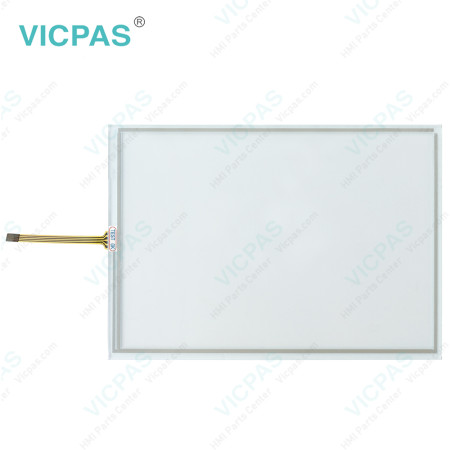
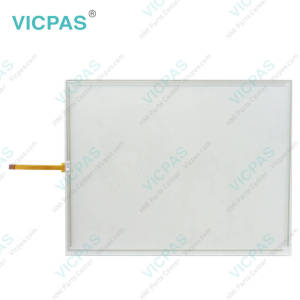
PANELMATE PLUS MM-PM15-403 92-01766-18 PANELMATE PLUS MM-PM15-400 Touch Screen Glass Repair


| Share | |
|---|---|
| Categories | Cutler-Hammer Panelmate |
| Brand | VICPAS |
| Product Specifications | PANELMATE PLUS MM-PM15-403 92-01766-18 PANELMATE PLUS MM-PM15-400 |
| Product Line | Cutler-Hammer Panelmate |
| Warranty | 1 Year |
| Shipping Time | 3-5 Days |
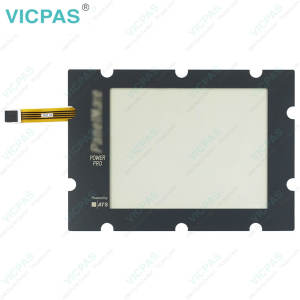
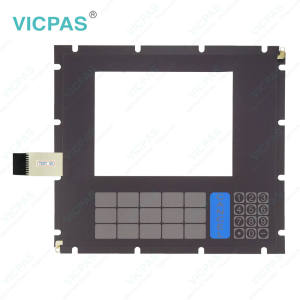
| Supply Parts | Touch Membrane |
| Environment | Free From Corrosive Gases |
| Touch Type | Resistive |
| FOB port | Guangzhou, Shenzhen, Hongkong |
| Terms of Payment | Western Union, MoneyGram, T/T, Paypal, PayPal, Credit Card |
Eaton PANELMATE PLUS MM-PM15-403 92-01766-18 PANELMATE PLUS MM-PM15-400 Touch Panel Replacement
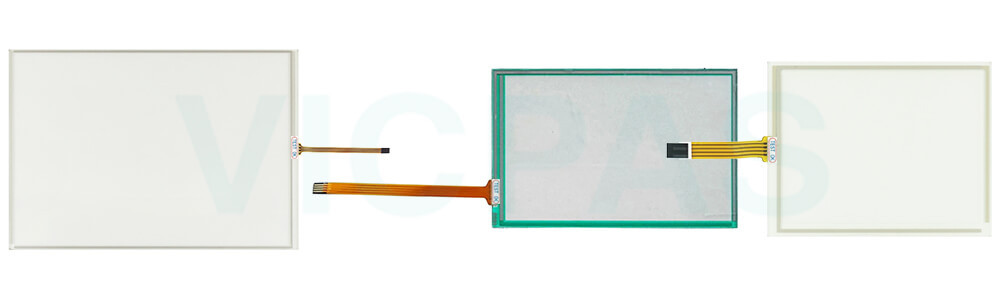
Order each part separately is available
If Eaton Cutler Hammer PANELMATE PLUS MM-PM15-403 92-01766-18 PANELMATE PLUS MM-PM15-400 Touch Screen Film does not function at all or it is unresponsive, first check the integrity of the cable and connectors to ensure they are properly connected and not damaged. It is recommended to perform a Keypad Test to further diagnose the issue. Select Keypad Test and press the control button labeled “Execute”. As each key is pressed, it will be identified on the display screen, allowing you to verify whether it is sending signals correctly to the PanelMate unit. Be sure to test all keys, and press the
Specifications:
The table below describes the parameters of Eaton PANELMATE PLUS MM-PM15-403 92-01766-18 PANELMATE PLUS MM-PM15-400 HMI Touch Glass.
| Shipping Time: | 3-5 Days |
| Cooling Method: | Natural Air Cooling |
| Warranty: | 365 Days |
| Storage Temperature: | -20 °C ... +60 °C |
| Brand: | Vicpas |
| Operating Temperature: | 0 °C ... +50 °C |
| Environment: | Free From Corrosive Gases |
| Product Line: | Cutler-Hammer Panelmate |
| Relative Humidity: | 95% |
| Light Transmission: | Above 75% |
Related Eaton Cutler-Hammer Panelmate Part No. :
| Cutler-Hammer Panelmate HMI | Description | Inventory status |
| MODICON PANELMATE PLUS MM-PM10-300 | Panelmate Operator Keyboard Touch Panel Replacement | In Stock |
| Panel Mate PM Plus 1000 MM-PM10300C | Eaton Cutler-Hammer Panelmate HMI Touch Glass Switch Membrane Repair | Available Now |
| Modicon Schneider MM-PMD1-400 92-00938-02 | Panelmate Membrane Keypad Replacement | In Stock |
| SCHNEIDER ELECTRIC MM-PMF1-4T0 | Panelmate Operator Panel Keypad Repair | Available Now |
| MODICON PANELMATE PLUS MM-PMF1-300 92-00832-00 | Panelmate Keyboard Membrane Replacement | In Stock |
| PanelMate Cutler Hammer 1155T PMP 1100 92-01974.02 | Eaton Cutler-Hammer Panelmate Touch Screen Display Front Overlay Repair | Available Now |
| 1155K | Eaton Cutler-Hammer Panelmate Protective Film Touch Screen Monitor Replacement | In Stock |
| PANELMATE PLUS MM-PM15-401 92-01887-02 | Eaton Cutler-Hammer Panelmate Touch Screen Glass Repair | Available Now |
| PANELMATE PLUS MM-PM15-402 | Eaton Cutler-Hammer Panelmate Touch Screen Panel Replacement | In Stock |
| PANELMATE PLUS MM-PM15-403 92-01766-18 | Eaton Cutler-Hammer Panelmate HMI Touch Glass Repair | Available Now |
| PANELMATE PLUS MM-PM15-400 | Eaton Cutler-Hammer Panelmate Touchscreen Replacement | In Stock |
| PANELMATE PLUS MM-PM15-405 | Eaton Cutler-Hammer Panelmate Keypad Membrane Repair | Available Now |
| PANELMATE PLUS MM-PM15-414 92-01793-00 | Eaton Cutler-Hammer Panelmate Operator Keyboard Replacement | In Stock |
| PANELMATE PLUS MM-PMMP003C 87-01466-02 | Eaton Cutler-Hammer Panelmate Terminal Keypad Repair | Available Now |
| Cutler-Hammer Panelmate HMI | Description | Inventory status |
Eaton Cutler-Hammer Panelmate Manuals PDF Download:
FAQ:
Question: What should be avoided when using or cleaning Eaton PANELMATE PLUS MM-PM15-403 92-01766-18 PANELMATE PLUS MM-PM15-400 Touch Screen Tablet?
Answer: Never use foreign objects such as pens, screwdrivers, or other sharp tools to operate the touchscreen. These objects may damage the touch surface and cause unreliable operation or touchscreen failure. When cleaning the touchscreen, avoid using solvents, abrasive cleaners, or other harsh chemical compounds, as they may permanently damage the touchscreen surface. For best results, use appropriate non-abrasive cleaning materials and gentle cleaning methods.
Question: How can I adjust the display contrast on the PanelMate unit?
Answer: Units with grayscale or dual-scan color displays support software-controlled contrast adjustment. To adjust the contrast, place the unit in Run Mode, then go to Get Page → More → Setup Page → Adjust Contrast. Use the Lighter and Darker control buttons to achieve the desired display effect. After adjustment, press Save Setting to keep the new contrast level, or press Cancel to return to the previous setting. The unit will restore the last saved contrast setting after power cycling.
Common misspellings:
PANELMATE PLUS MMM-PM15-403 92-01766-18PANELMATE PLUS MM-PM15-403 91-01766-18
PANELMATE PLUS MM-PM15-403 92-01667-18
PANELMATE PLUS MM-PM11-400
PANELMATE PLUS MM-PM115-400
PANELMATE PLUS MM-PM15-404
- 加载中···
- Phone
- *Title
- *Content
 Fast Quote
 Fast Quote
 Worldwide Shipping
 12 Months Warranty
 Customize Service
- Phone
- *Title
- *Content
