
EW218AR627000 Touch Screen Tablet Repair
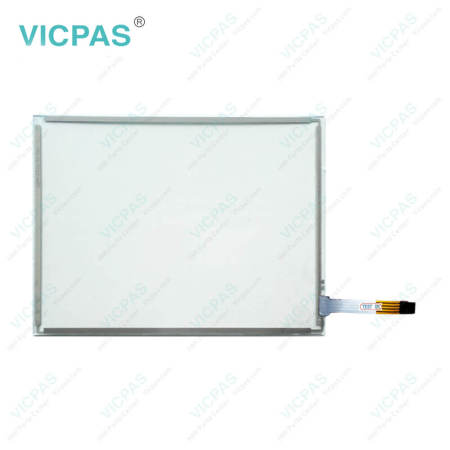


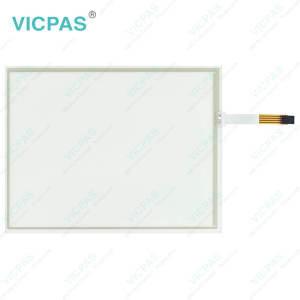
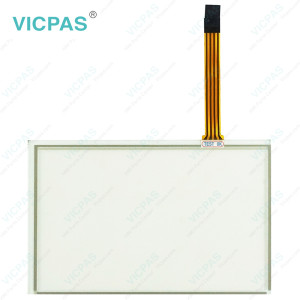
ESA EW200 Panel IPC EW218 EW218AR627000 Touch Screen Monitor Repair
Order each part separately is available
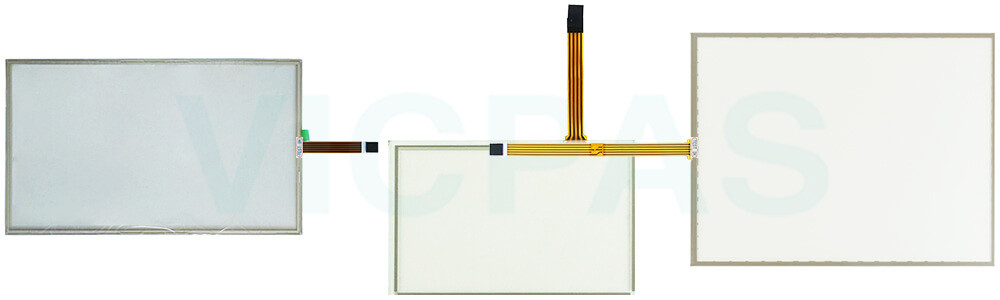
Professional servicing is recommended whenever ESA EW200 Panel IPC EW218 EW218AR627000 Touch Digitizer Glass shows signs of damage or abnormal operation. This may include a damaged power cord or connector, liquid contamination, exposure to excessive humidity, operational irregularities, failure to function as expected, or any visible damage resulting from impact, mishandling, or accidental drops. Cracks, broken components, or other physical defects should be inspected and addressed promptly.
If EW200 Panel IPC EW218 EW218AR627000 Touch Membrane is taken out of service for an extended period, disconnect it from the power supply and perform a thorough functional check before returning it to operation. Particular attention should be given to the touch screen, display, and front interface components to ensure they remain in good working condition.
To minimize the risk of fire, electric shock, or equipment damage, never allow liquids to enter the enclosure through ventilation slots, openings, or connectors. Users should not attempt to disassemble or modify the unit, as doing so may compromise safety and product reliability. Any repair, inspection, or maintenance work should be carried out only by trained and qualified service personnel.
Following these precautions can help maintain safe operation, extend product lifespan of EW218AR627000 Touch Screen Panel and reduce the likelihood of unexpected downtime.
Specifications:
The table below describes the parameters of ESA EW200 Panel IPC EW218 EW218AR627000 Touch Screen Film.
| Size: | 18.5'' |
| Product Line: | EW200 Panel IPC EW218 |
| Warranty: | 365 Days |
| Brand: | Vicpas |
| Storage Temperature: | -20 °C ... +60 °C |
| Operating Temperature: | 0 °C ... +50 °C |
| Shipping Time: | 3-5 Days |
| Environment: | Free From Corrosive Gases |
| Cooling Method: | Natural Air Cooling |
| Relative Humidity: | 95% |
Related ESA EW218 Part No. :
| ESA EW218 HMI | Description | Inventory status |
| EW218AD12B000 | ESA EW200 Panel IPC EW218 Touch Screen Display Repair | In Stock |
| EW218AF12B010 | ESA EW200 Panel IPC EW218 Touch Membrane Replacement | Available Now |
| EW218AR627000 | ESA EW200 Panel IPC EW218 Touch Screen Film Repair | In Stock |
| EW218AR628000 | ESA EW200 Panel IPC EW218 Touch Screen Tablet Replacement | In Stock |
| EW218AR724000 | ESA EW200 Panel IPC EW218 Touch Screen Monitor Repair | In Stock |
| EW218AR726000 | ESA EW200 Panel IPC EW218 HMI Touch Glass Replacement | Available Now |
| EW218AR72T000 | ESA EW200 Panel IPC EW218 Touch Screen Panel Repair | In Stock |
| ESA EW218 HMI | Description | Inventory status |
ESA HMI Manuals PDF Download:
FAQ:
Question: What environmental conditions should be considered when replacing my EW218AR627000 HMI Touch Glass?
Answer:
• Ensure EW218AR627000 Touch Panel is operated and serviced within the recommended environmental range.
• Prevent exposure to dust accumulation, humidity, and direct heat sources.
• Select an installation location with adequate ventilation to help maintain stable operating conditions.
Question: How to maintain EW218AR627000 Touch Screen Tablet?
Answer: To keep EW218AR627000 Touch Screen Glass in good operating condition, regularly remove dust and fingerprints using a soft, non-abrasive cloth. Avoid using sharp objects or excessive force on the screen surface, as this may damage the touch-sensitive layer. The touch panel should be installed in a clean, dry environment away from excessive heat, humidity, or corrosive substances. Proper handling and regular inspection can help extend the service life and maintain stable touch performance.
Common misspellings:
EW21AR627000EW218RA627000
EW218AR627O00
EW218AR6277000
EW218AR617000
- 加载中···
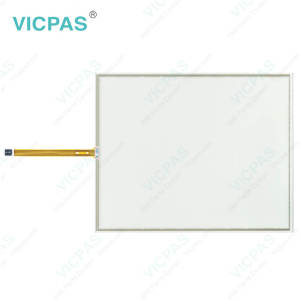
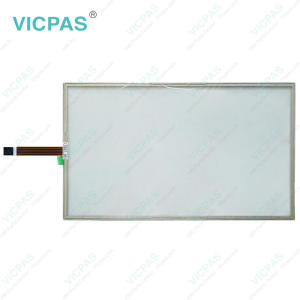
- Phone
- *Title
- *Content
 Fast Quote
 Fast Quote
 Worldwide Shipping
 12 Months Warranty
 Customize Service
- Phone
- *Title
- *Content
