
Touch screen for CP7709-0001-0030 touch panel membrane touch sensor glass replacement repair
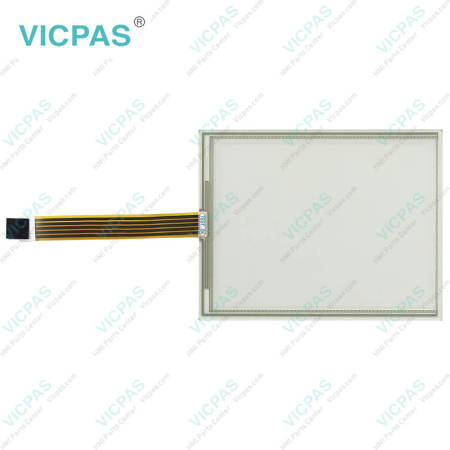
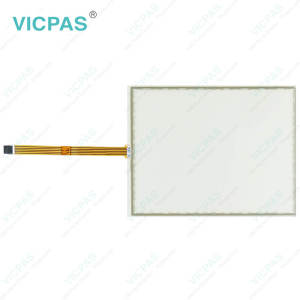
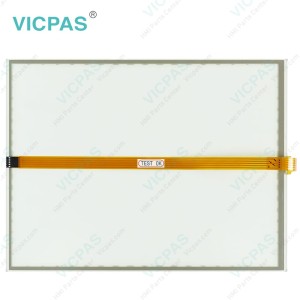
Beckhoff CP7709-0000-0030 CP7709-0001-0030 Touch Screen Panel Replacement
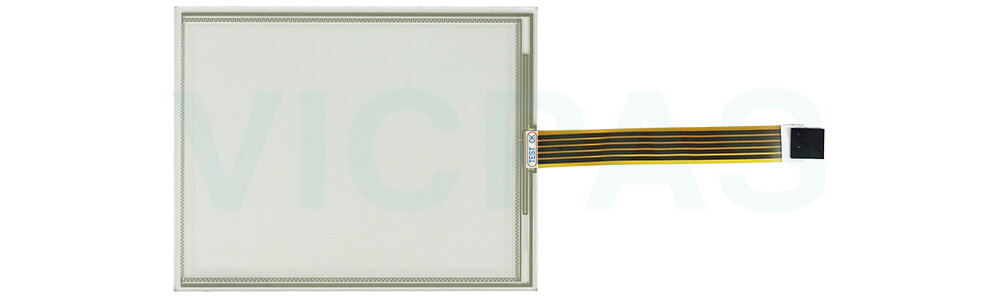
To keep your CP7709-0000-0030 CP7709-0001-0030 Touch Screen Glass in optimal condition, always choose cleaning agents that are safe for the device. Recommended options include benzine, spirit, or glass cleaner. Using unsuitable substances or tools—such as abrasive detergents, scouring powders, razor blades, steel spatulas, steam cleaners, very hot water, cold water on a heated device, or high-pressure washers—can cause serious damage.
When cleaning the display, be sure to include the edges of Beckhoff Touch Panel CP7709-0000-0030 CP7709-0001-0030 Touch Screen Monitor as well as the front surface. Neglecting the edges can allow liquid residue to remain, which may lead to malfunctioning touch functions. Please also follow these key safety guidelines during cleaning: maintain the protection rating limits of IP65/IP20, never use compressed air, and ensure the ambient temperature remains between 0 °C and 55 °C.
If you are unsure about the correct maintenance procedures for your Beckhoff HMI CP7709-0000-0030 CP7709-0001-0030 Touch Digitizer Glass, VICPAS is happy to provide guidance and support.
Specifications:
The table below describes the parameters of Beckhoff CP7709-0000-0030 CP7709-0001-0030 Touch Screen Monitor.
| Brand: | Vicpas |
| Size: | 6.5'' |
| Product Line: | CP77XX |
| Cooling Method: | Natural Air Cooling |
| Warranty: | 365 Days |
| Environment: | Free From Corrosive Gases |
| Operating Temperature: | 0 °C ... +55 °C |
| Storage Temperature: | -25 °C ... +65 °C |
| Relative Humidity: | 95% |
| LCD Type: | TFT |
Related Beckhoff Part No. :
| Beckhoff HMI | Description | Inventory status |
| CP7709-0000-0020 | Beckhoff CP77XX Touch Screen Tablet Replacement | In Stock |
| CP7709-0000-0030 | Beckhoff CP77XX Touch Screen Display Repair | Available Now |
| CP7709-0001-0020 | Beckhoff CP77XX Touch Membrane Replacement | In Stock |
| CP7709-0001-0030 | Beckhoff CP77XX Touch Digitizer Glass Repair | Available Now |
| CP7709-1001-0020 | Beckhoff CP77XX Touch Screen Monitor Replacement | In Stock |
| CP7709-1009-0030 | Beckhoff CP77XX Terminal Keypad Touch Screen Panel Repair | Available Now |
| CP7711-0000-0020 | Beckhoff CP77XX HMI Touch Glass Operator Keyboard Replacement | In Stock |
| CP7711-0000-0030 | Beckhoff CP77XX Membrane Switch Touch Screen Film Repair | Available Now |
| CP7711-0001-0020 | Beckhoff CP77XX Touch Screen Glass Keyboard Membrane Replacement | In Stock |
| CP7721-0000-0020 | Beckhoff CP77XX Operator Panel Keypad HMI Touch Glass Repair | Available Now |
| CP7721-0000-0030 | Beckhoff CP77XX Touch Digitizer Glass Keypad Membrane Replacement | In Stock |
| CP7721-0001-0020 | Beckhoff CP77XX Switch Membrane Touch Screen Display Repair | Available Now |
| CP7721-0001-0030 | Beckhoff CP77XX Touch Screen Panel Membrane Keyboard Replacement | In Stock |
| CP7721-0002-0030 | Beckhoff CP77XX Operator Panel Keypad Touch Membrane Repair | Available Now |
| CP7729-0000-0030 | Beckhoff CP77XX Touch Screen Monitor Operator Keyboard Replacement | In Stock |
| CP7729-0001-0030 | Beckhoff CP77XX Terminal Keypad Touch Screen Tablet Repair | Available Now |
| Beckhoff HMI | Description | Inventory status |
Beckhoff CP77XX Manuals PDF Download:
FAQ:
Question: Where is the touch digitizer glass of Beckhoff CP7709-0000-0030 CP7709-0001-0030?
Answer:
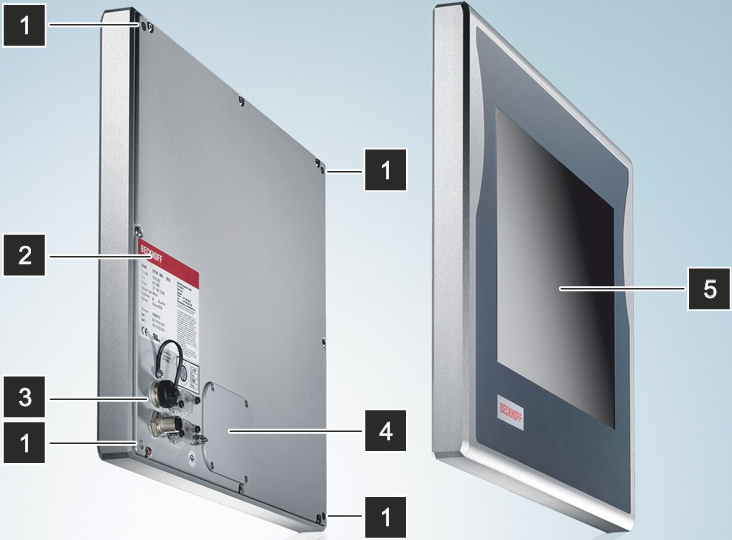
No.5 is Beckhoff CP7709-0000-0030 CP7709-0001-0030 Touch Panel, is the operation of the panel PC.
Question: How can I protect CP7709-0000-0030 CP7709-0001-0030 Touch Screen Display?
Answer:
1. Use the touchscreen only with bare hands or while wearing appropriate gloves.
2. When wearing gloves, ensure they are free of hard particles such as metal shavings, glass splinters, or similar debris.
3. You can purchase a matching-size protective film from VICPAS to safeguard your touchscreen against dirt and scratches.
Common misspellings:
CP7709-000-0030CP7799-0000-0030
CP7709-0000-0003
CP7709-0011-0030
CP7719-0001-0030
CP7709-0001-0033
- 加载中···
- Phone
- *Title
- *Content
 Fast Quote
 Fast Quote
 Worldwide Shipping
 12 Months Warranty
 Customize Service
- Phone
- *Title
- *Content
