
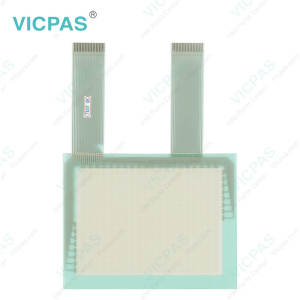
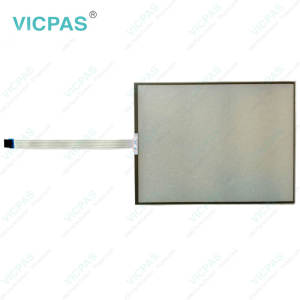
SC210A0101 Touch Digitizer Glass Protective Film Replacement
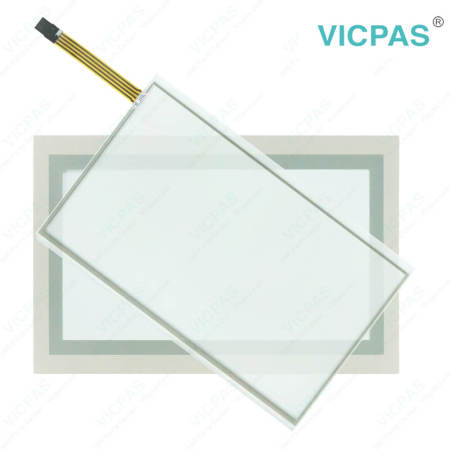



ESA SC Easy programming SC210A0101 Front Overlay HMI Touch Glass Repair
Order each part separately is available
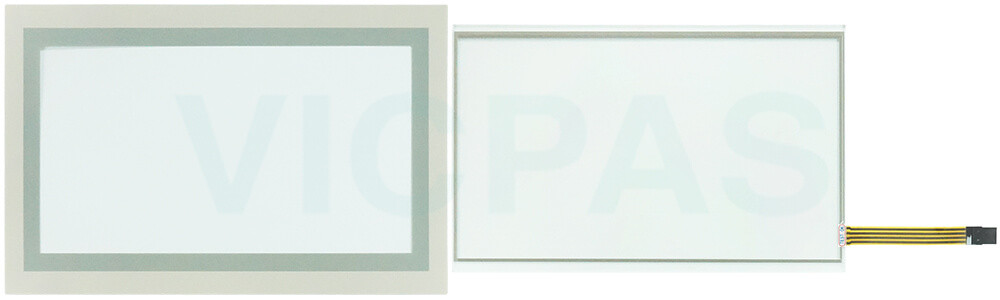
Before cleaning ESA SC SC210A0101 Touch Screen Glass Front Overlay, always disconnect the equipment from all power sources and use only a damp cloth for maintenance. Avoid using liquid cleaners or spray detergents. To ensure reliable operation, keep SC ESA SC210A0101 Protective Film Touch Screen Tablet away from humidity and direct sunlight, and install it in a well-controlled environment with a storage temperature between -20 °C (-4 °F) and 60 °C (140 °F). During installation, place ESA SC Easy programming SC210A0101 Touch Screen Panel Front Overlay on a stable and reliable surface to prevent accidental drops or damage. The enclosure openings are designed for air circulation, so they should never be covered, as proper ventilation is necessary to prevent overheating. Never pour liquid into any opening, since this may result in fire or electric shock. If the equipment will not be used for an extended period, disconnect it from the power supply to protect it from transient overvoltage damage. Please also note that the rear cover may become hot during operation, so avoid touching it to prevent burns or personal injury. All warnings and caution labels on the equipment should be carefully observed at all times.
Specifications:
The table below describes the parameters of ESA SC Easy programming SC210A0101 Front Overlay Touch Membrane HMI Parts.
| Cooling Method: | Natural Airflow |
| Size: | 10.1'' |
| Light Transmission | ≥ 80% |
| Product Line: | ESA SC Easy programming |
| Warranty: | 12 Months |
| Brand: | VICPAS |
| Shipping Time: | 3-5 Days |
| Touch Type: | Resistive |
| Environment: | Free From Corrosive Gases |
| Model Number: | SC210A0101 |
Related ESA HMI Part No. :
| ESA HMI Replacement | Description | Inventory status |
| SC103A0101 | ESA SC Easy programming Protective Film HMI Touch Glass Repair | In Stock |
| SC107A0111 | ESA SC Easy programming Touch Screen Panel Replacement | Available Now |
| SC110A0111 | ESA SC Easy programming Touch Membrane Repair | In Stock |
| SC110A0112 | ESA SC Easy programming Touch Screen Monitor Replacement | Available Now |
| SC207A0101 | ESA SC Easy programming Touch Digitizer Glass Repair | In Stock |
| SC207A0111 | ESA SC Easy programming LCD Display Touch Screen Film Front Overlay Replacement | Available Now |
| SC210A0101 | ESA SC Easy programming Protective Film Touch Screen Tablet Repair | In Stock |
| SC210A0111 | ESA SC Easy programming Touch Screen Glass Front Overlay Replacement | Available Now |
| SC210A0112 | ESA SC Easy programming Touch Screen Display Repair | In Stock |
| ESA HMI Repair Part | Description | Inventory status |
ESA ESA SC Easy programming Manuals PDF Download:
FAQ:
Question: How do I calibrate the touch screen on ESA SC Easy programming HMI?
Answer: Touch screen calibration can typically be performed through the system setup or control panel menu of the HMI. Access the calibration function and carefully follow the prompts displayed on the screen to complete the adjustment process. Proper calibration helps improve touch accuracy and ensures the screen responds correctly to user input.
Question: Do I need any technical skills to replace ESA SC Easy programming SC210A0101 Touch Digitizer Glass Protective Film?
Answer: No special skills are required. Most parts are designed for easy replacement and come with clear labeling.
Common misspellings:
SC210A1101
SC210A011
SC210AA0101
SC20A0101
SC212A0101
- 加载中···
- Phone
- *Title
- *Content
 Fast Quote
 Fast Quote
 Worldwide Shipping
 12 Months Warranty
 Customize Service
- Phone
- *Title
- *Content
